AI Reception & Visitor Management Software with Live Video Built In



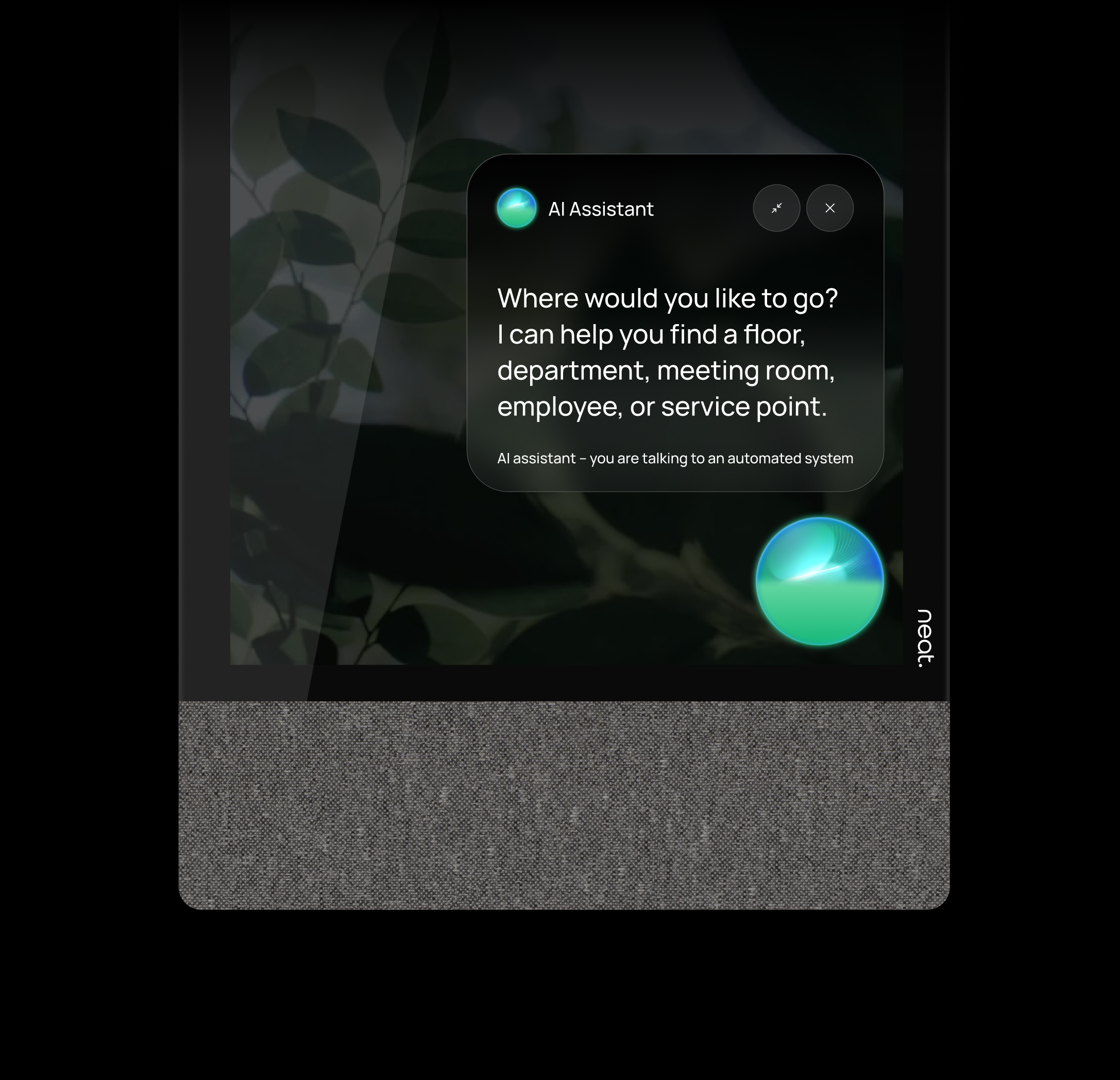
Meet the AI receptionist built into Virtual Front Desk
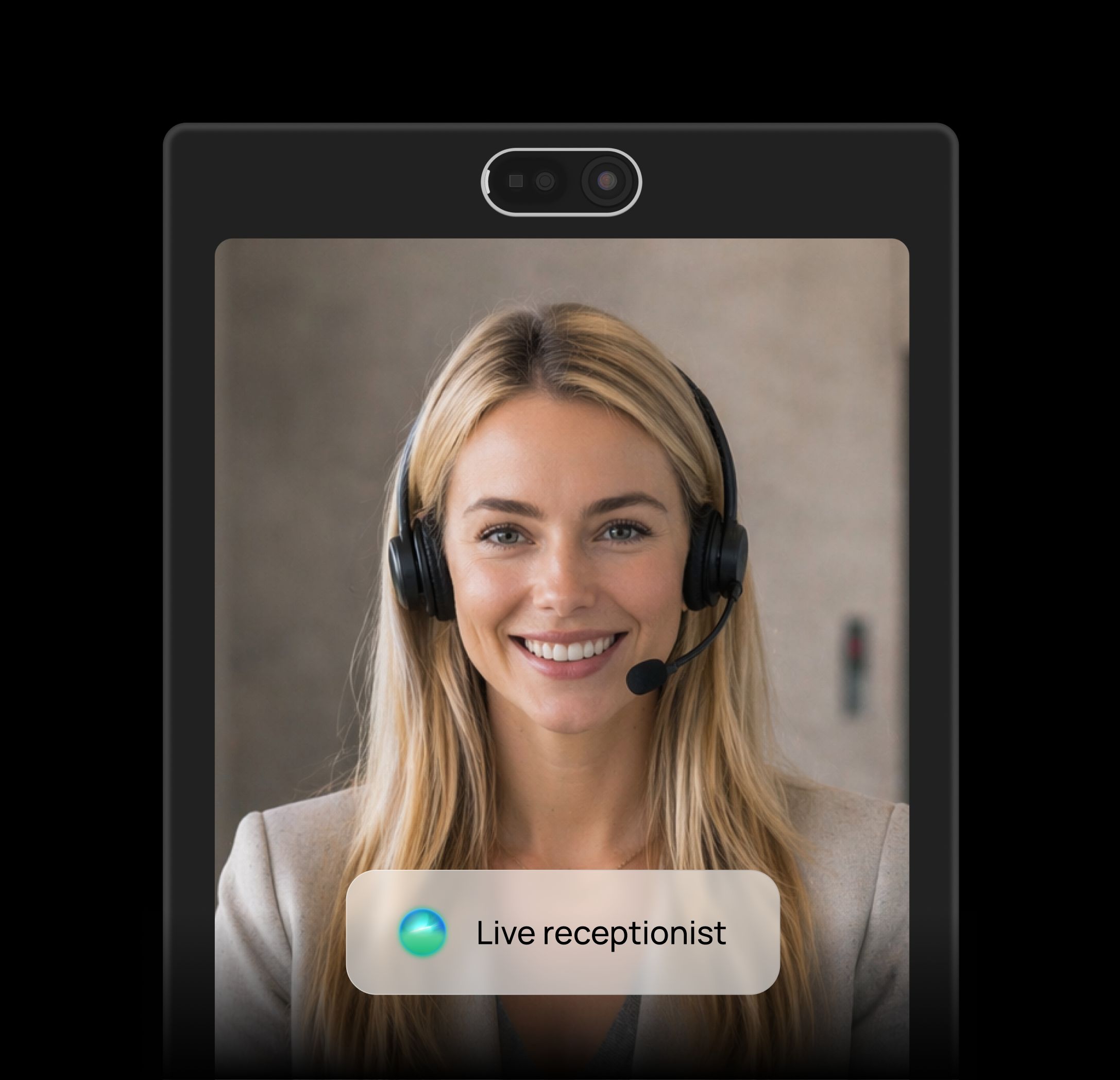
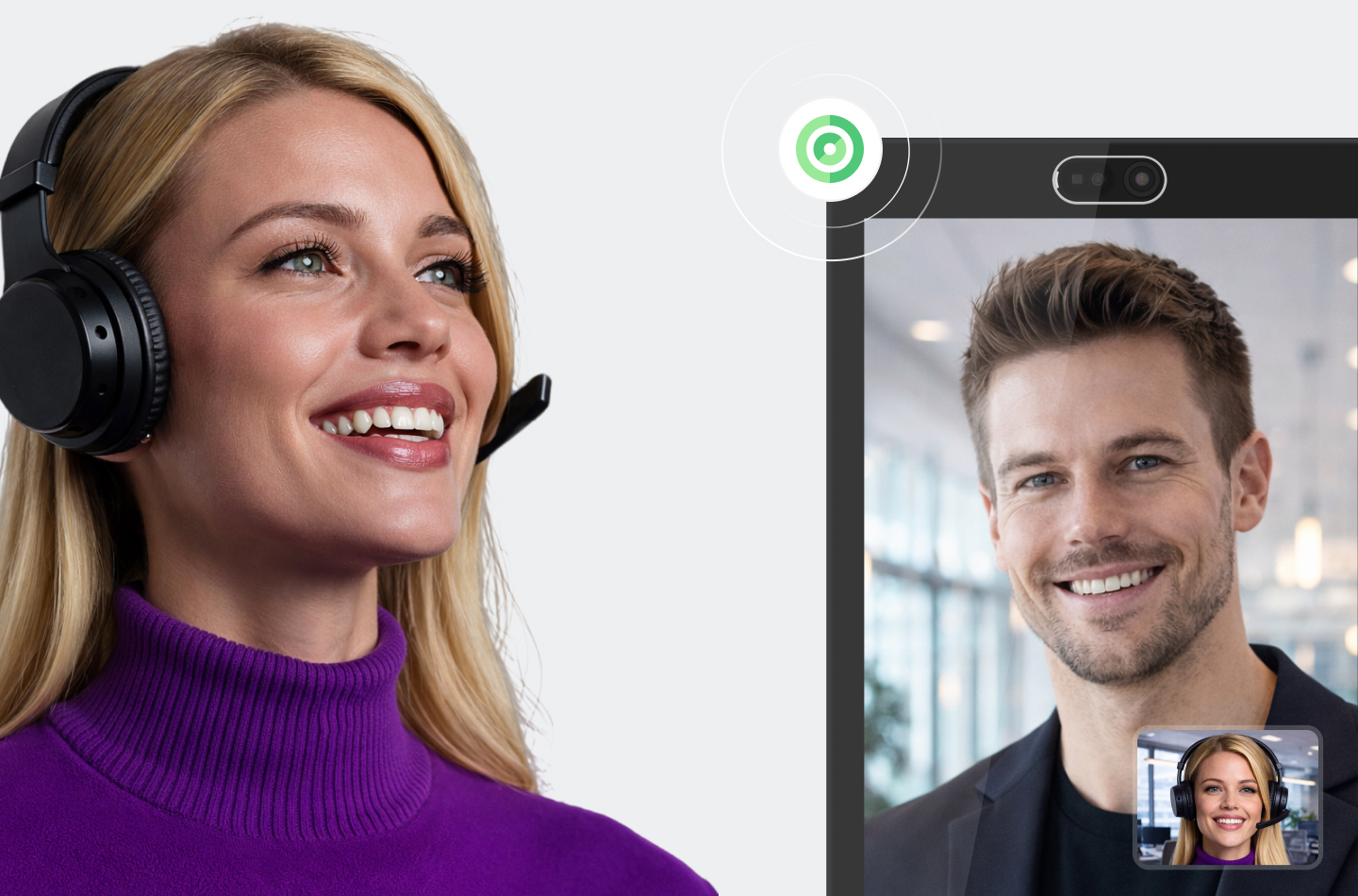
Virtual Front Desk Intelligence welcomes visitors, listens in real time, answers location-specific questions, guides check-ins, and connects people to a live receptionist when human help is needed.
Virtual Reception,
Visitor Management and Customer Service for offices, clinics, stores & public spaces
Whether someone is a guest in an office lobby, a patient at a clinic, or a shopper at a kiosk, Virtual Front Desk lets them sign in, view documents, reach the right person by video, phone, SMS or apps like Microsoft Teams or Slack.
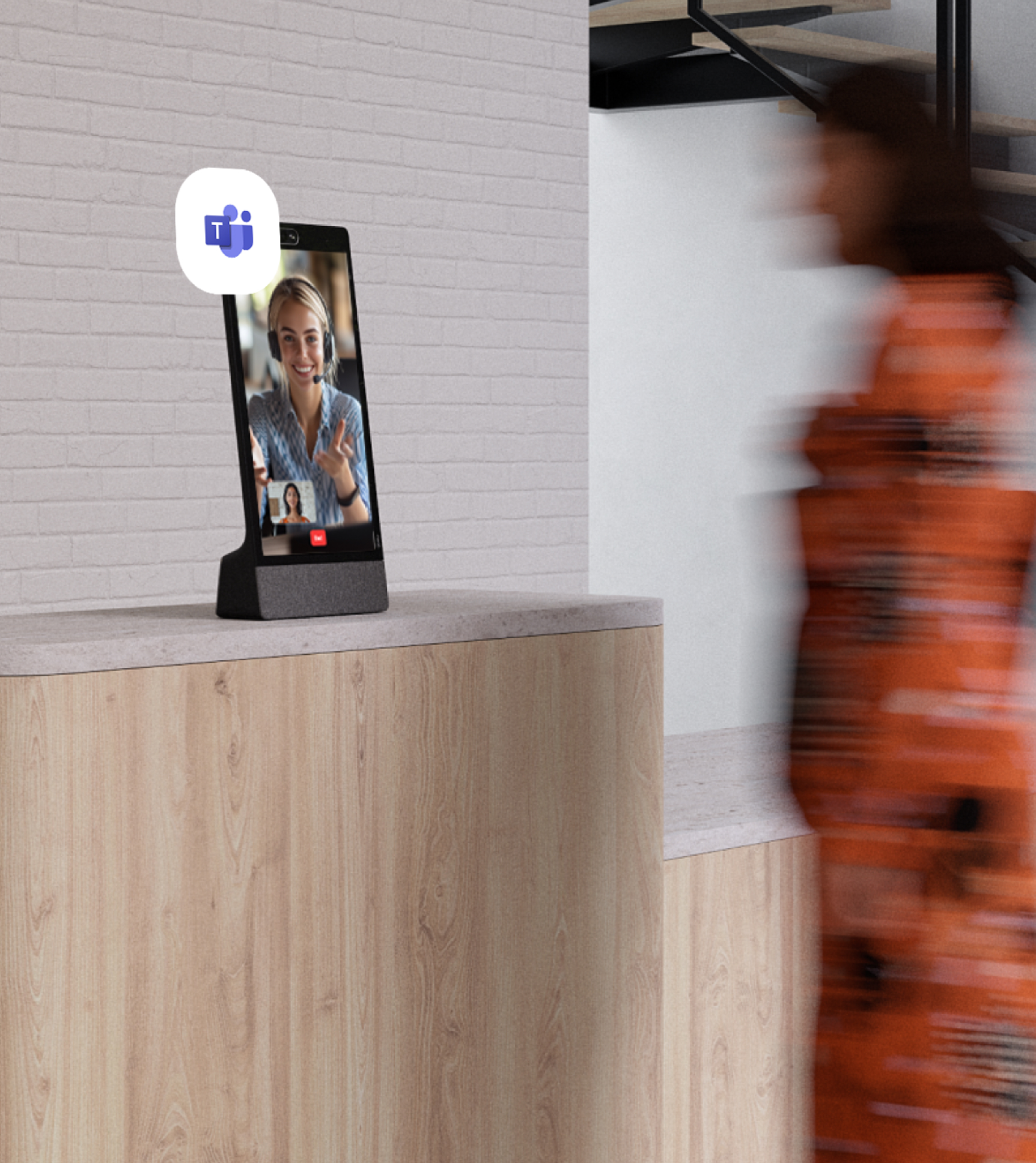
Visitors sign in and reach the employee they're meeting by video or Microsoft Teams, with no full-time receptionist at the desk.
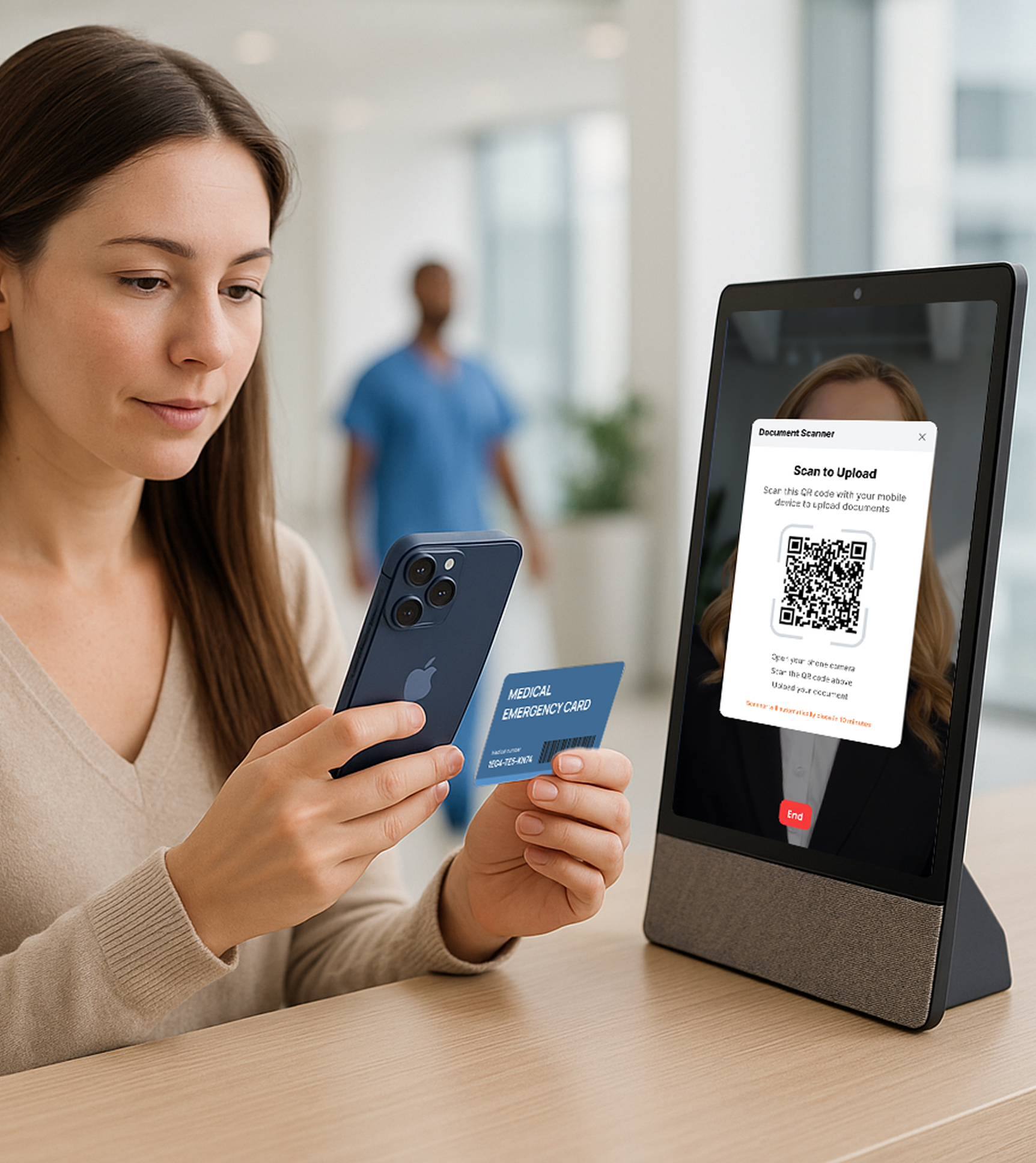
Patients check in for their appointment and reach a remote coordinator by video for front-desk questions, so one team can cover several clinic desks at once.
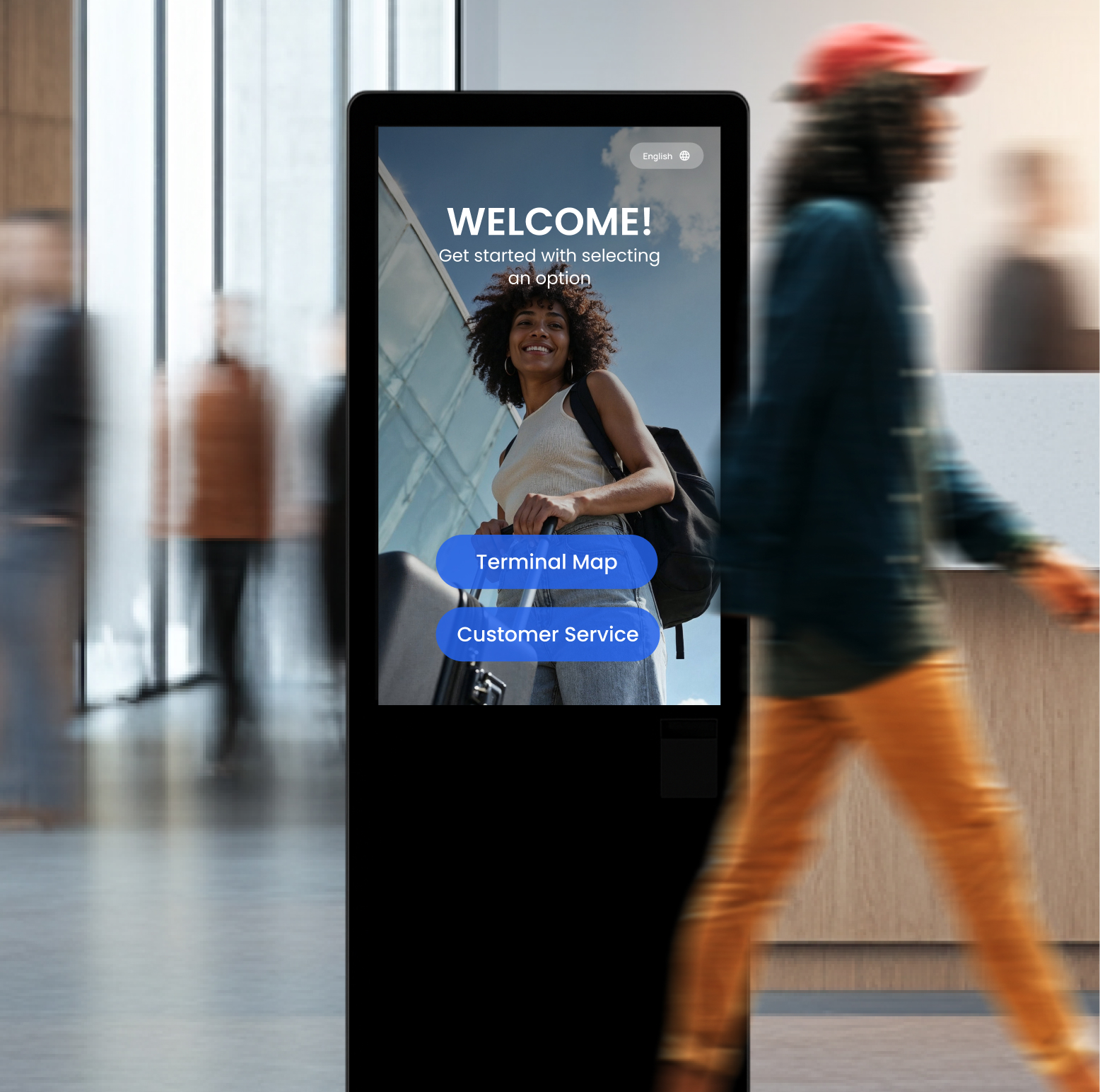
In busy lobbies and transit stations, visitors tap the screen to reach live help by video or find the right department on screen, with no staffed counter needed.

Visitors and contractors sign in, sign any required NDA or safety document, and print a badge at the gate before reaching the floor.
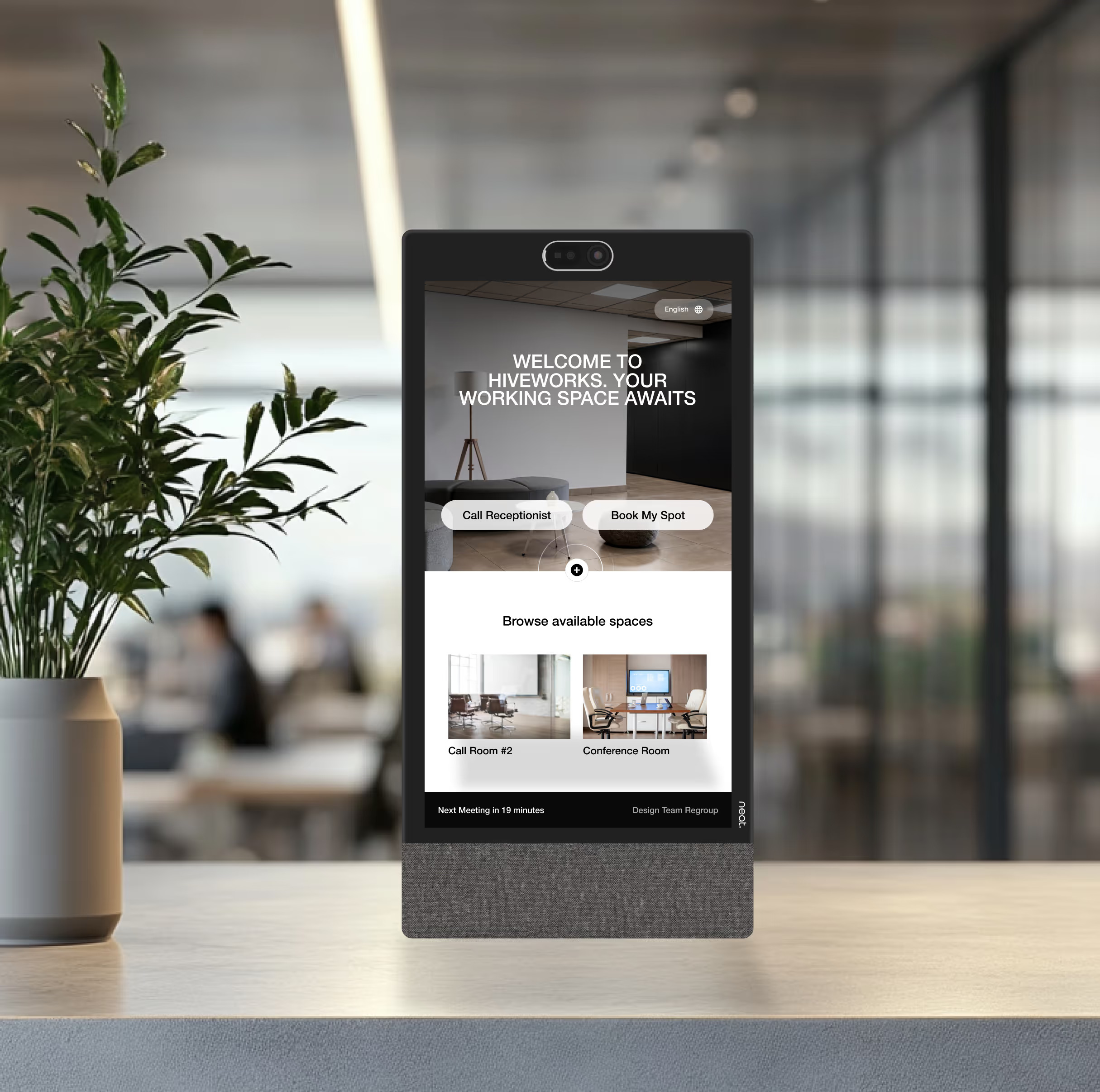
Guests sign in and reach the tenant they're visiting, while tenants reach building staff by video, keeping a lightly staffed space running across every shared entrance.
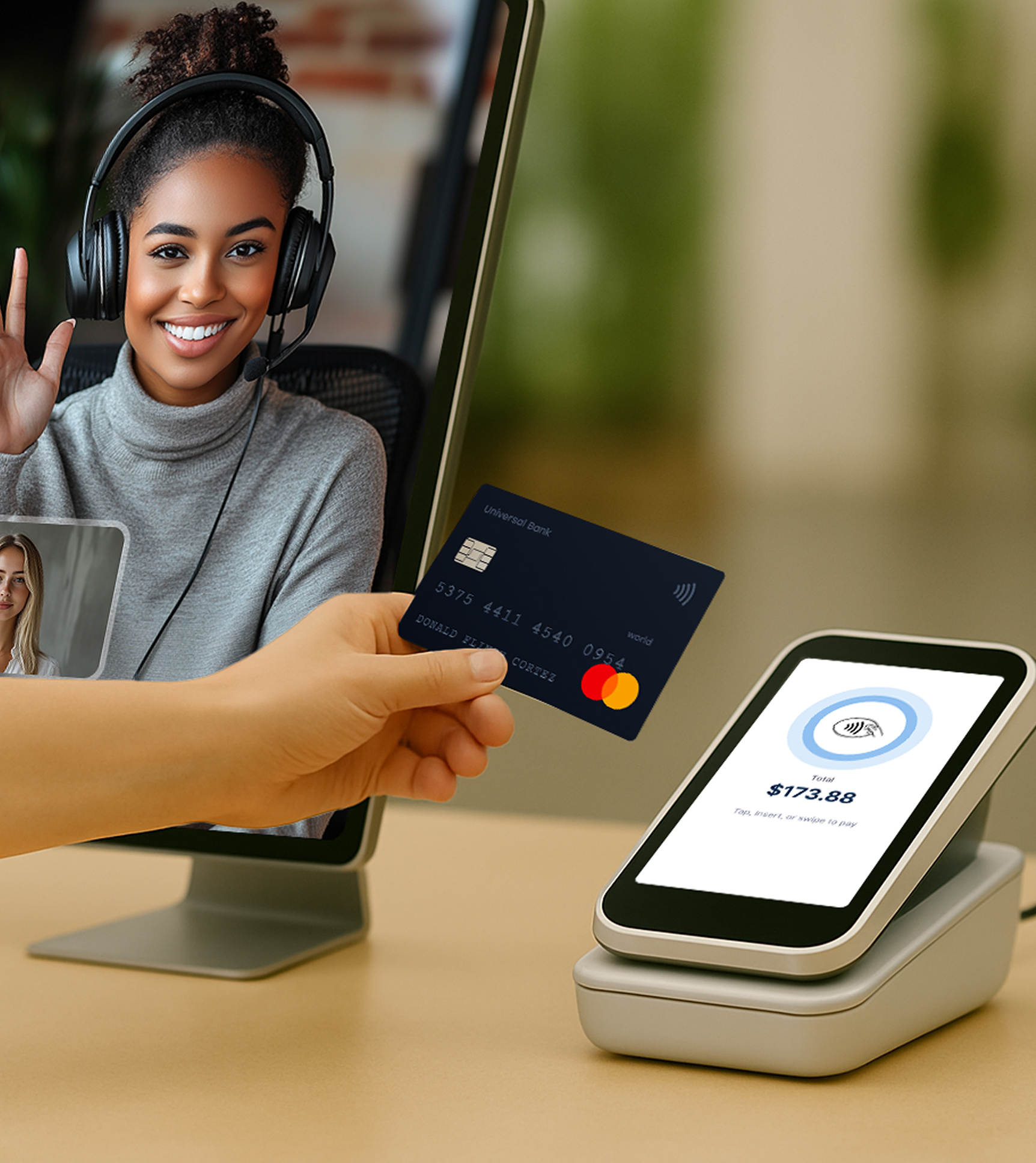
Guests reach a remote receptionist by video who handles the full check-in: scanning their ID, getting terms and conditions signed, and taking card payment, with no one stationed at the desk.
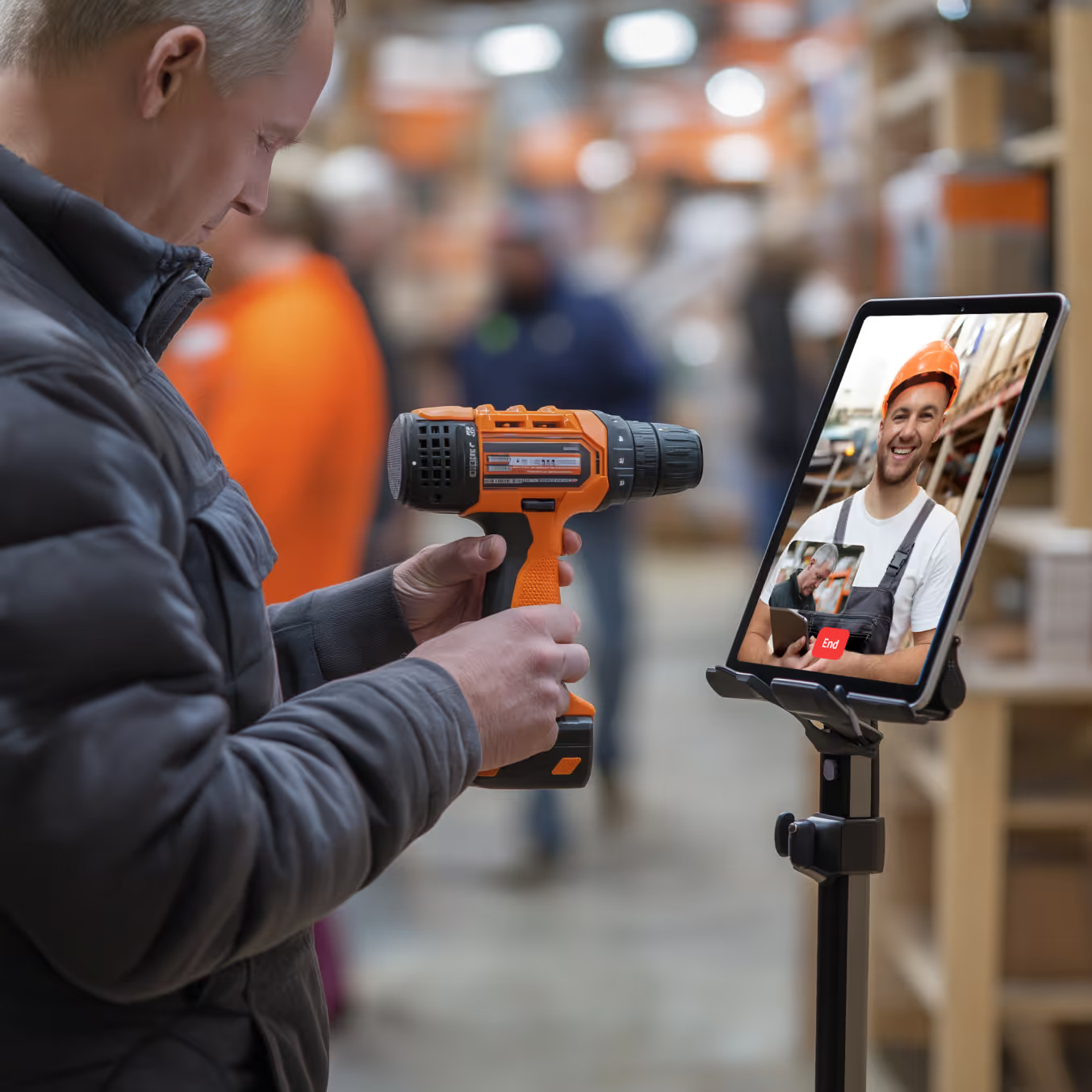
A shopper walks up to a kiosk and taps the department they need. They reach a product specialist by video in seconds, even one based in another store or city.
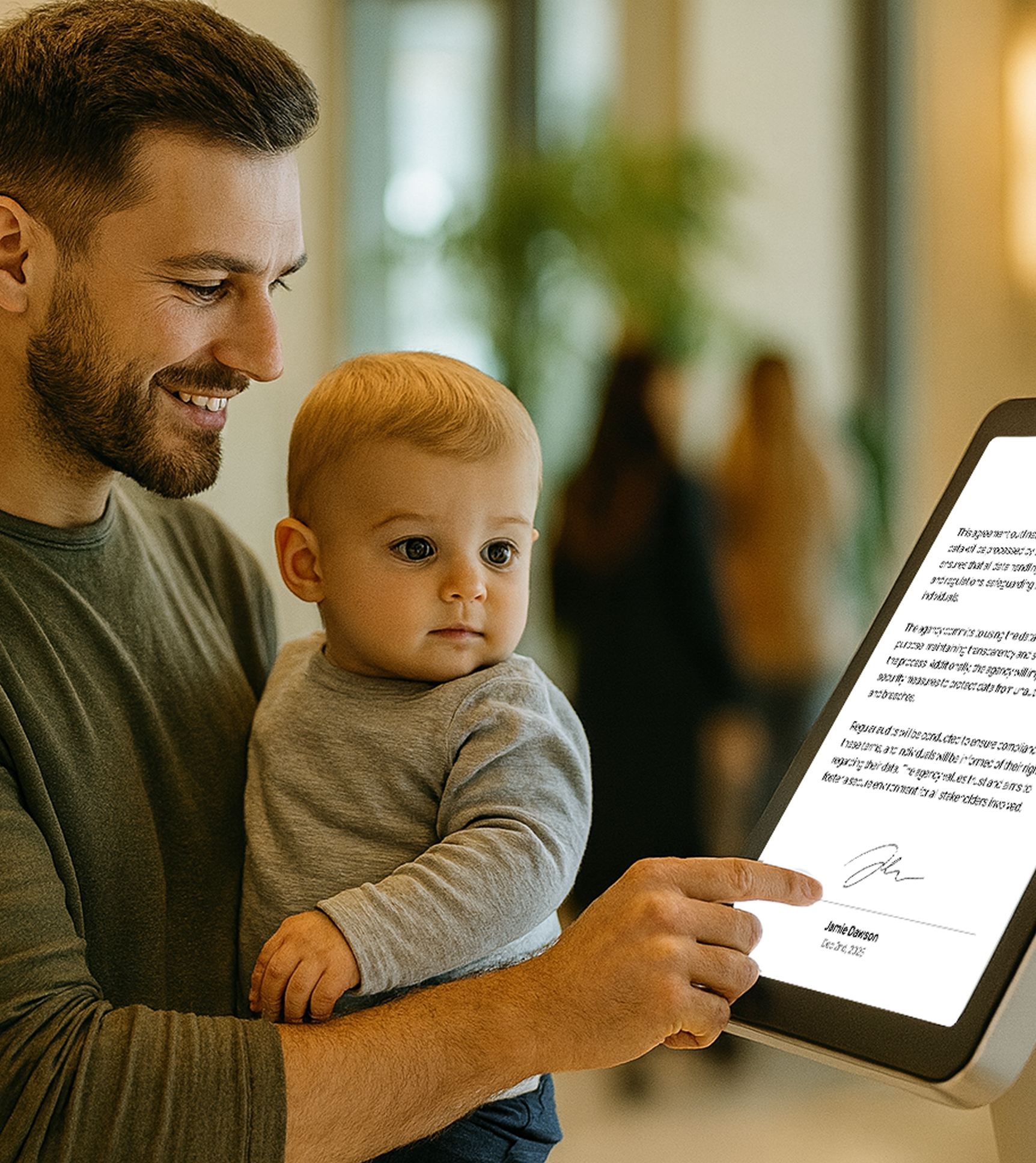
Residents view forms as on-screen PDFs or scan QR codes. They reach the right person by video, whether it's a quick question or a meeting with a city employee like an urban planner.
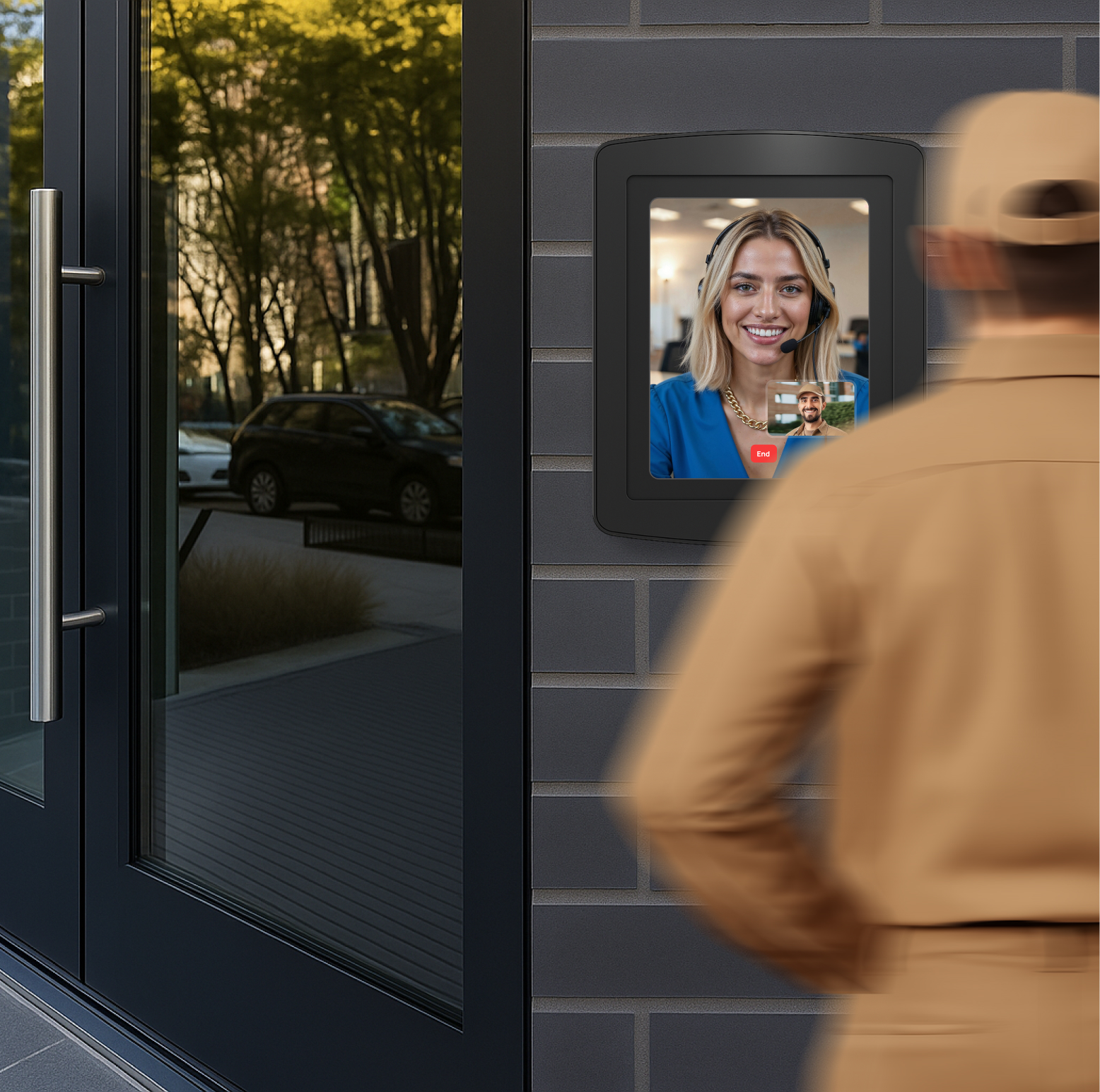
A weatherproof station at the gate lets visitors reach staff by video for screening and verification before they're granted access to the building.
One system behind every
Front Desk and service points
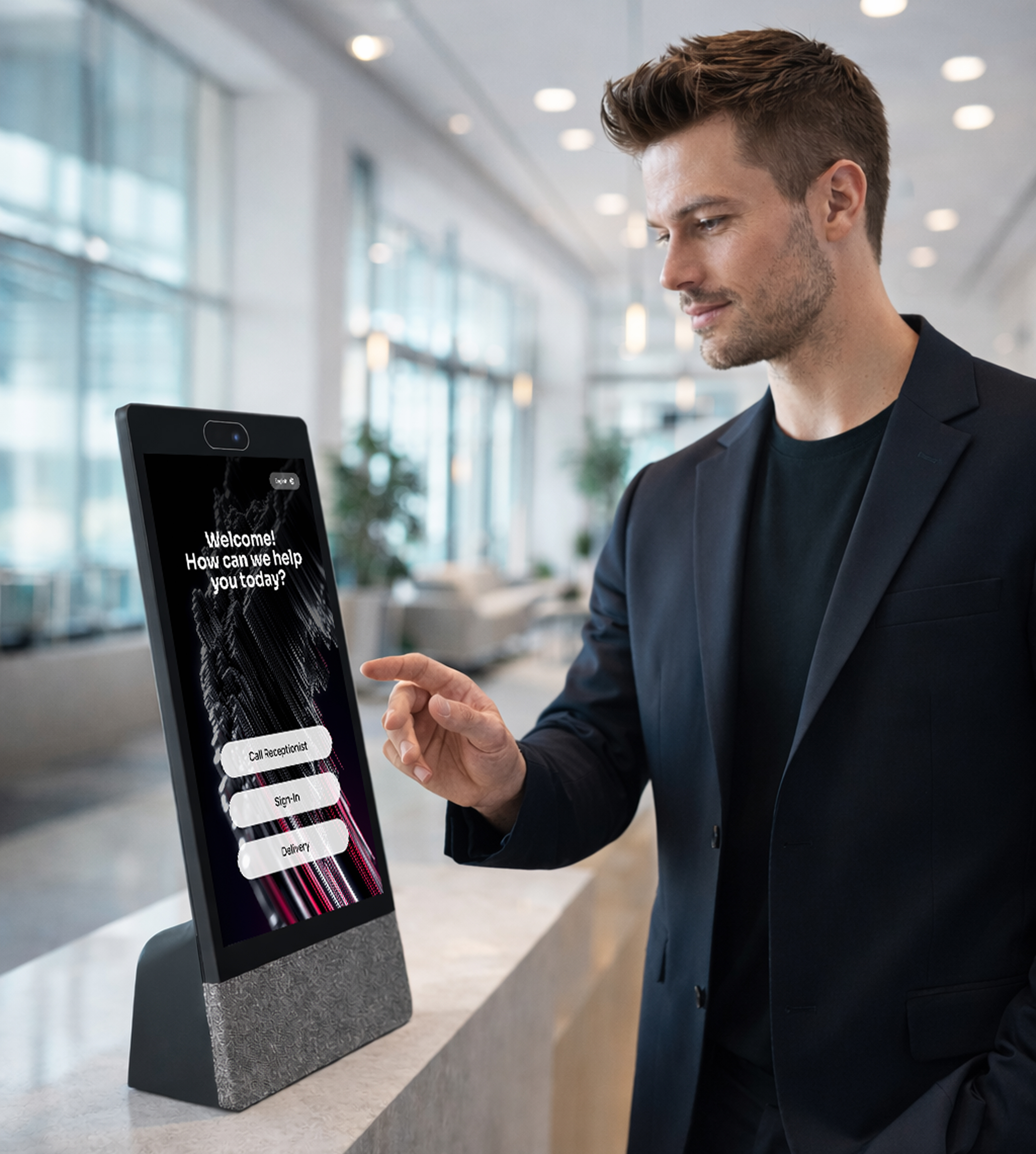
Virtual Front Desk runs on any tablet, kiosk, or Neat Frame, doing everything a receptionist does at a desk: signing visitors in, displaying and printing documents, capturing signatures, scanning ID, taking payments and more. Visitors and customers use the screen; your team answers from anywhere by video, phone, or Microsoft Teams. One dashboard covers every location, so one person can staff several desks at once.
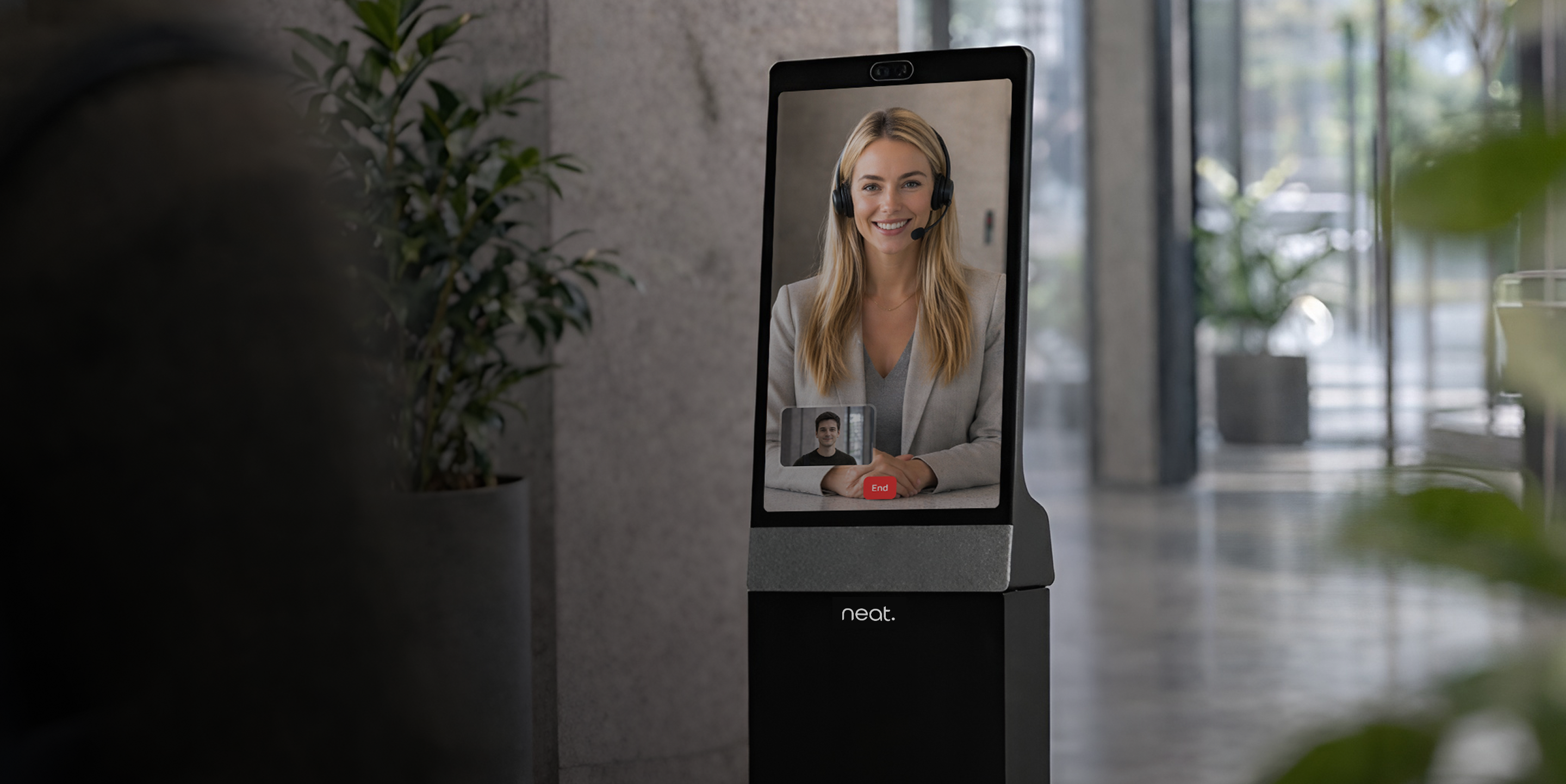
The Neat Frame, our recommended device
Virtual Front Desk runs in any modern browser with a webcam, so iPads, Android tablets, all-in-one PCs, and kiosks all work. We recommend the Neat Frame: it's an all-in-one touchscreen with nothing extra to set up, it locks into kiosk mode automatically so visitors can't exit the app, and you can remote into each one to manage it from anywhere.
The full receptionist
experience, made digital
Virtual Front Desk uses technology to remove the desk, not the person behind it. Every visitor can still reach a real member of your team by video, phone, or Microsoft Teams.
Powered by technology, built around real people.
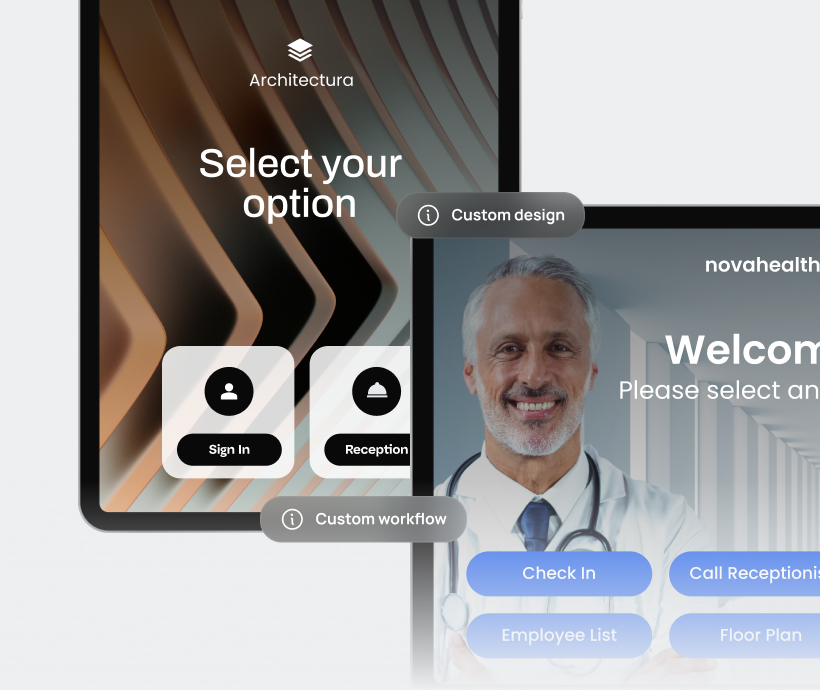
Add locations, set up stations, and manage users from a single web dashboard, so multi-site teams configure and run everything in one place.
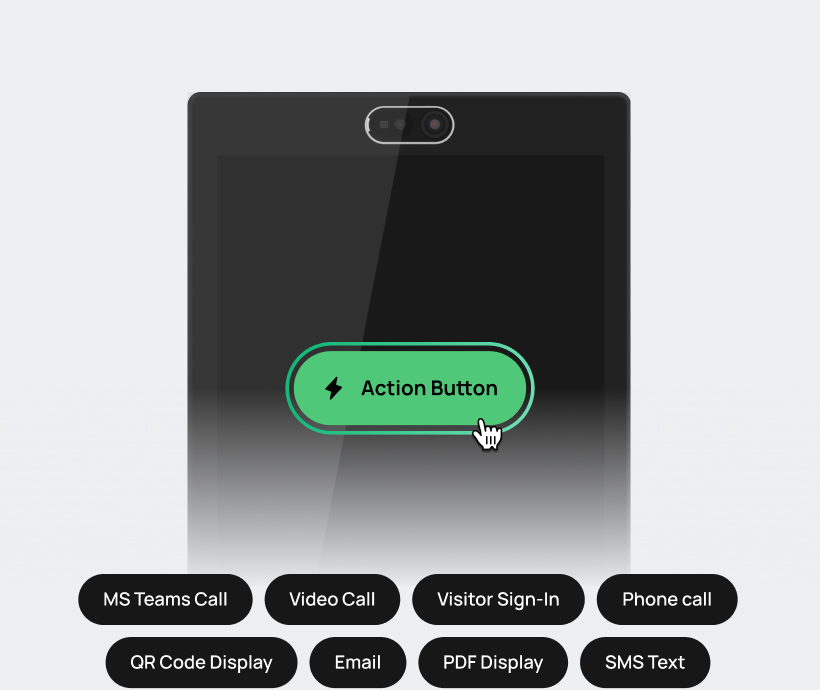
Configure each station with the actions you need: video, phone, visitor sign-in, documents to display and sign, ID scanning, QR codes, card payments, and more.
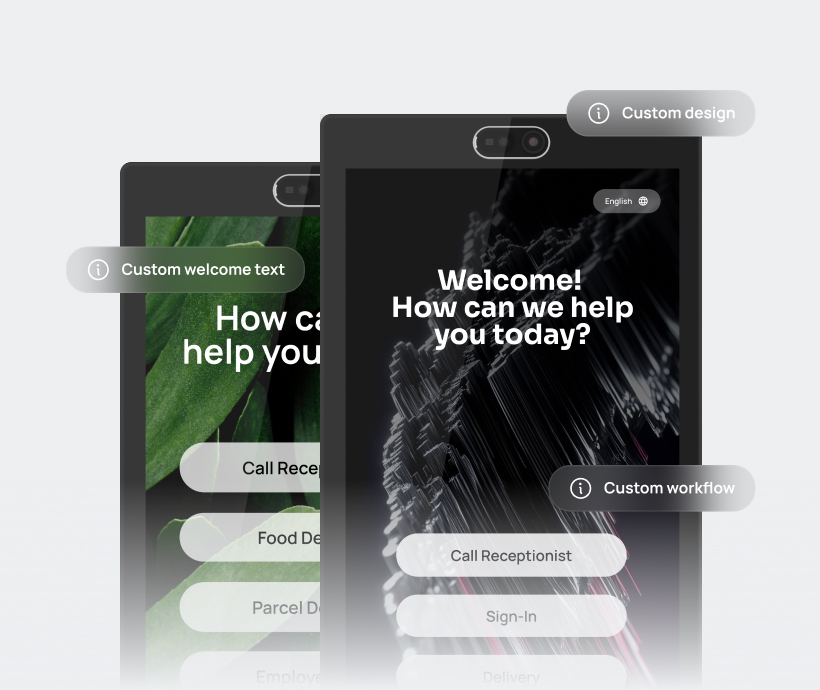
Customize logos, colors, layouts, and on-screen content so every station reflects your organization's branding.
Full native Integration
with Microsoft Teams video calling
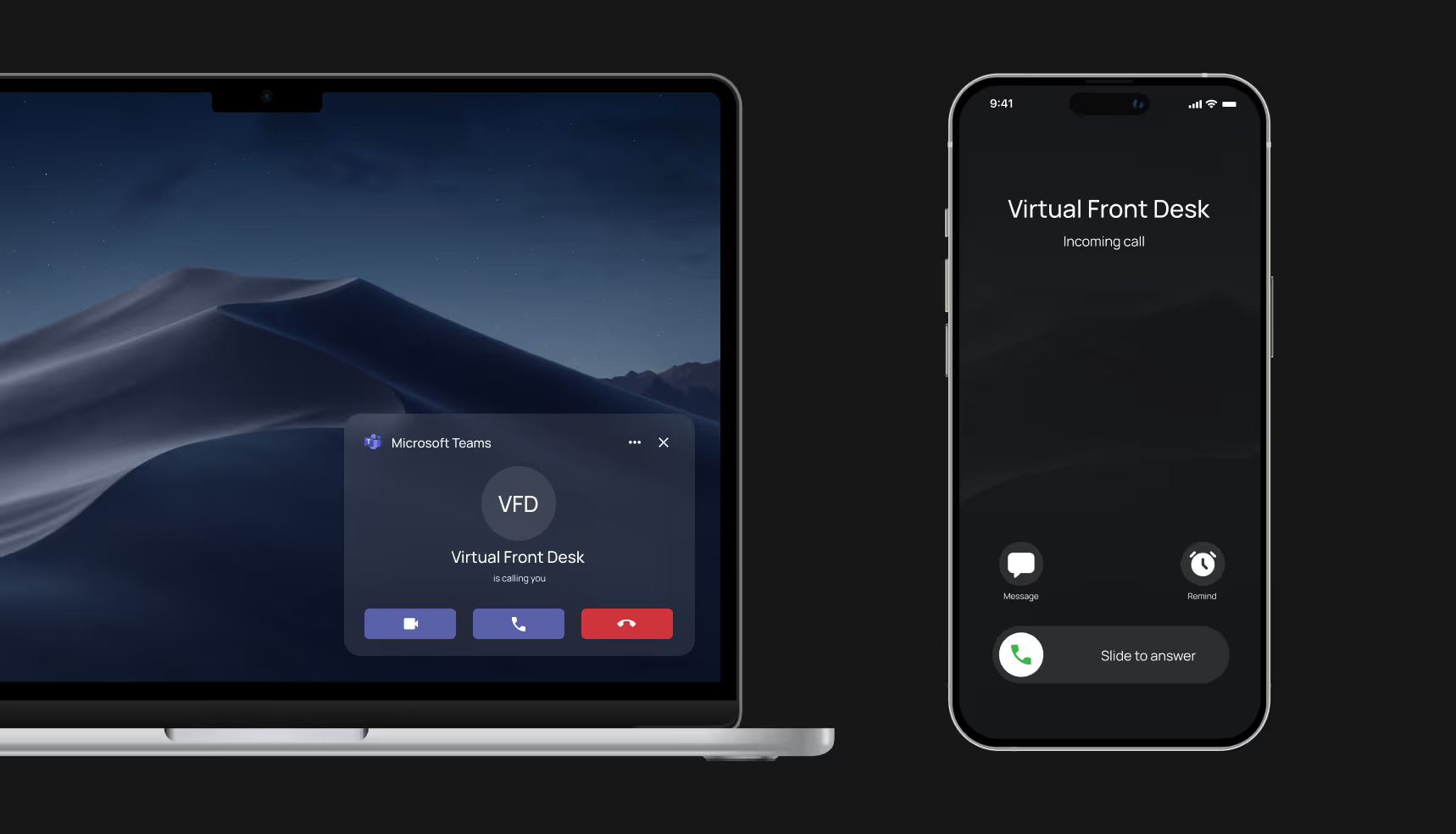
Virtual Front Desk connects directly to Microsoft Teams and Microsoft Entra ID (formerly Azure Active Directory). Reception calls ring in Teams, and your employee directory imports straight from your Entra ID groups, so visitors reach staff on the tools they already use.
Send reception video calls or text directly into Microsoft Teams
Route front-desk video calls or SMS into Microsoft Teams so staff can respond through tools they already use every day.
Upgrade from Microsoft Teams Display
Microsoft ended support for Teams Displays on September 3, 2025. Virtual Front Desk keeps your Teams-based reception working and adds visitor sign-in, documents, and branding, on hardware that's still supported.
Entra ID Employee Directory
Import an Entra ID group to show a live employee directory on the station, so visitors find and call the right person without a receptionist.
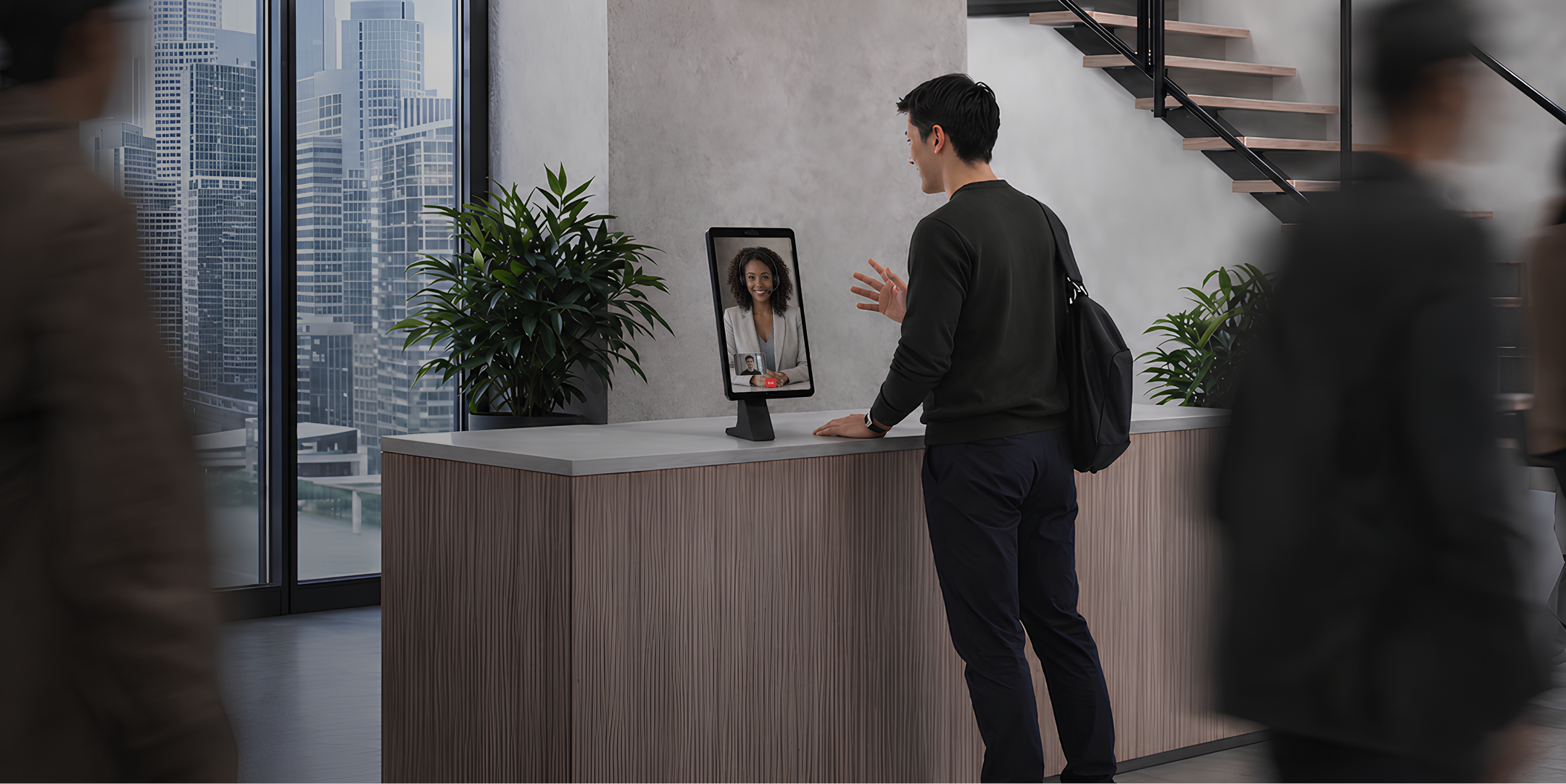
Solve front-desk staffing with receptionists who work from anywhere.
Because the desk runs through the app, your receptionist doesn't have to be on-site, or even local. Hire from anywhere, let people work from home, and ease the staffing shortages most front desks face. Add remote help at busy times, and when it's too quiet for a full-time hire, route calls and arrivals straight to the right person.
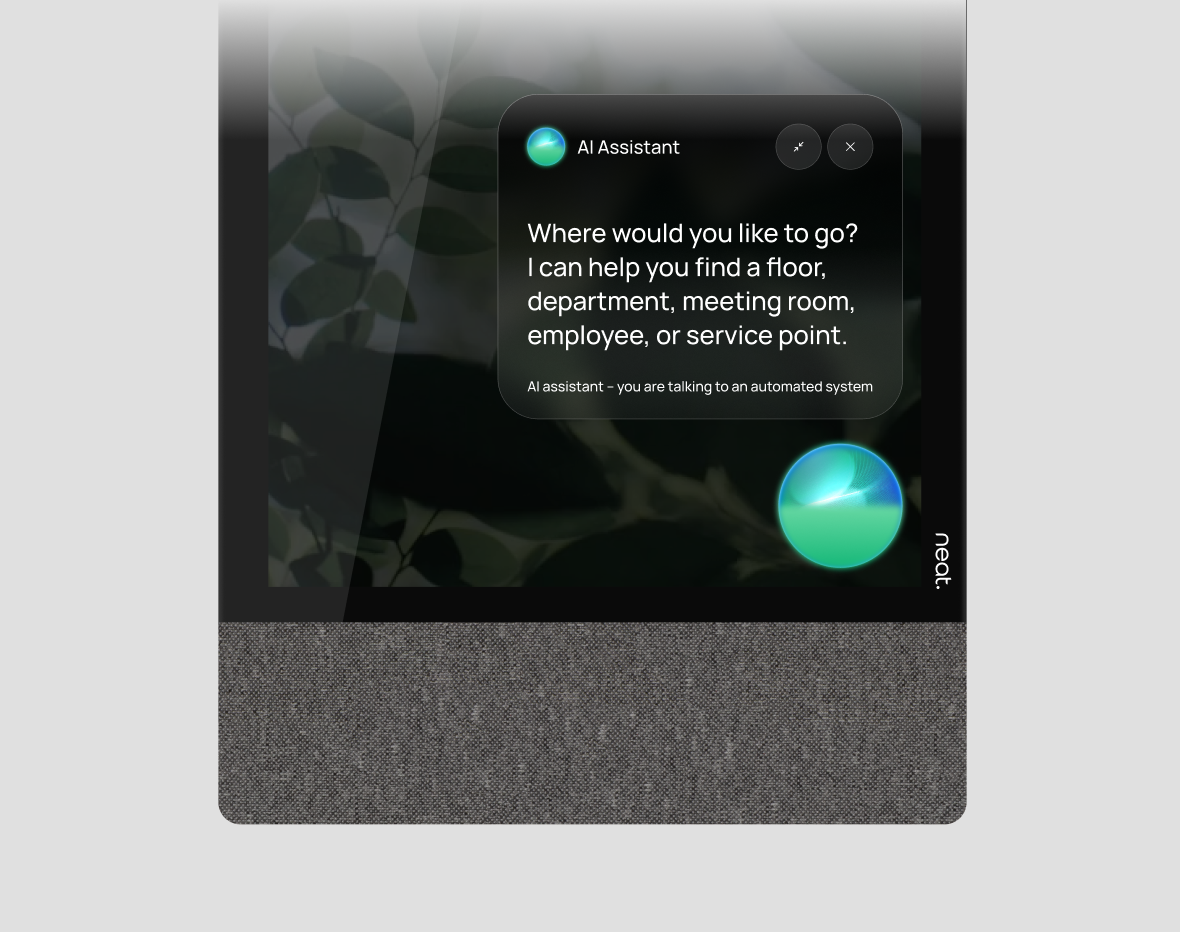
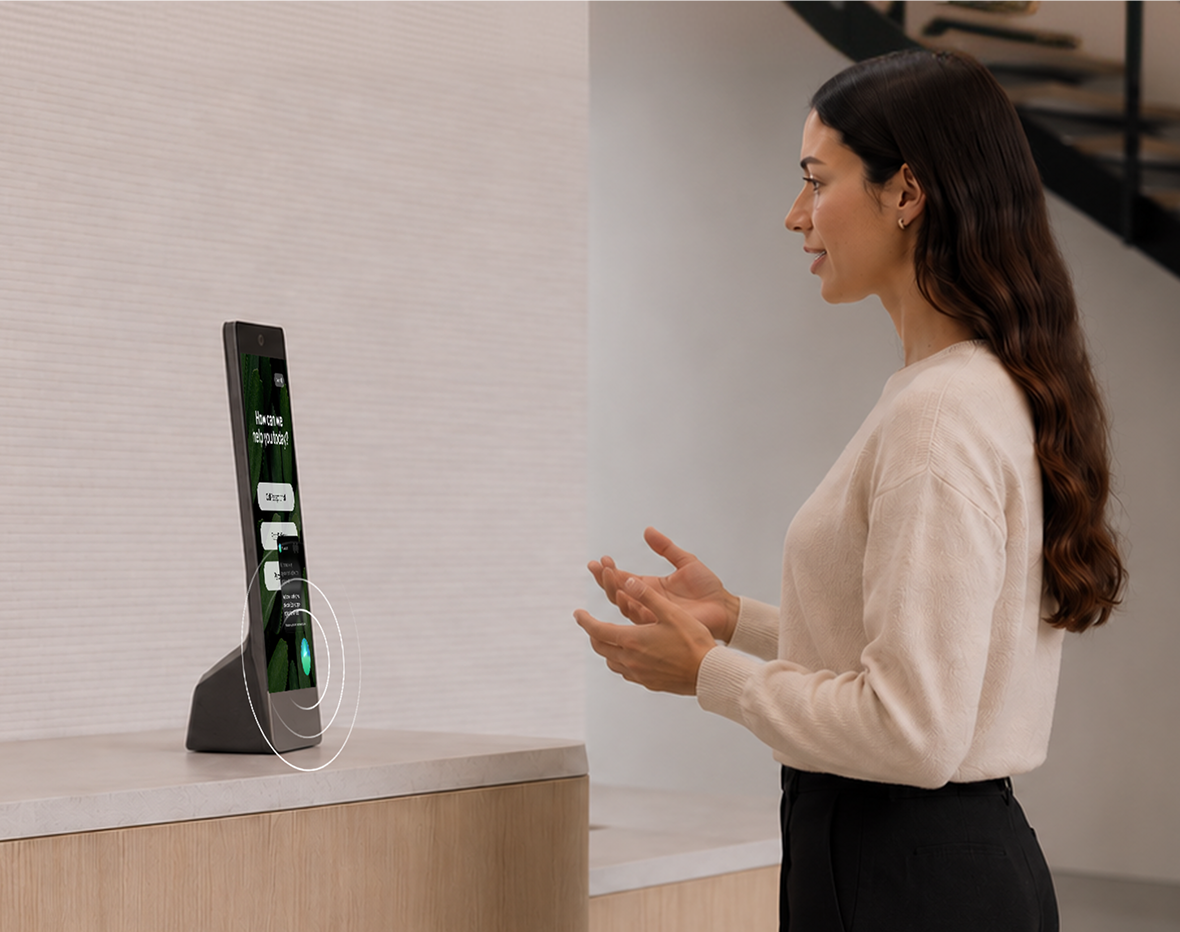
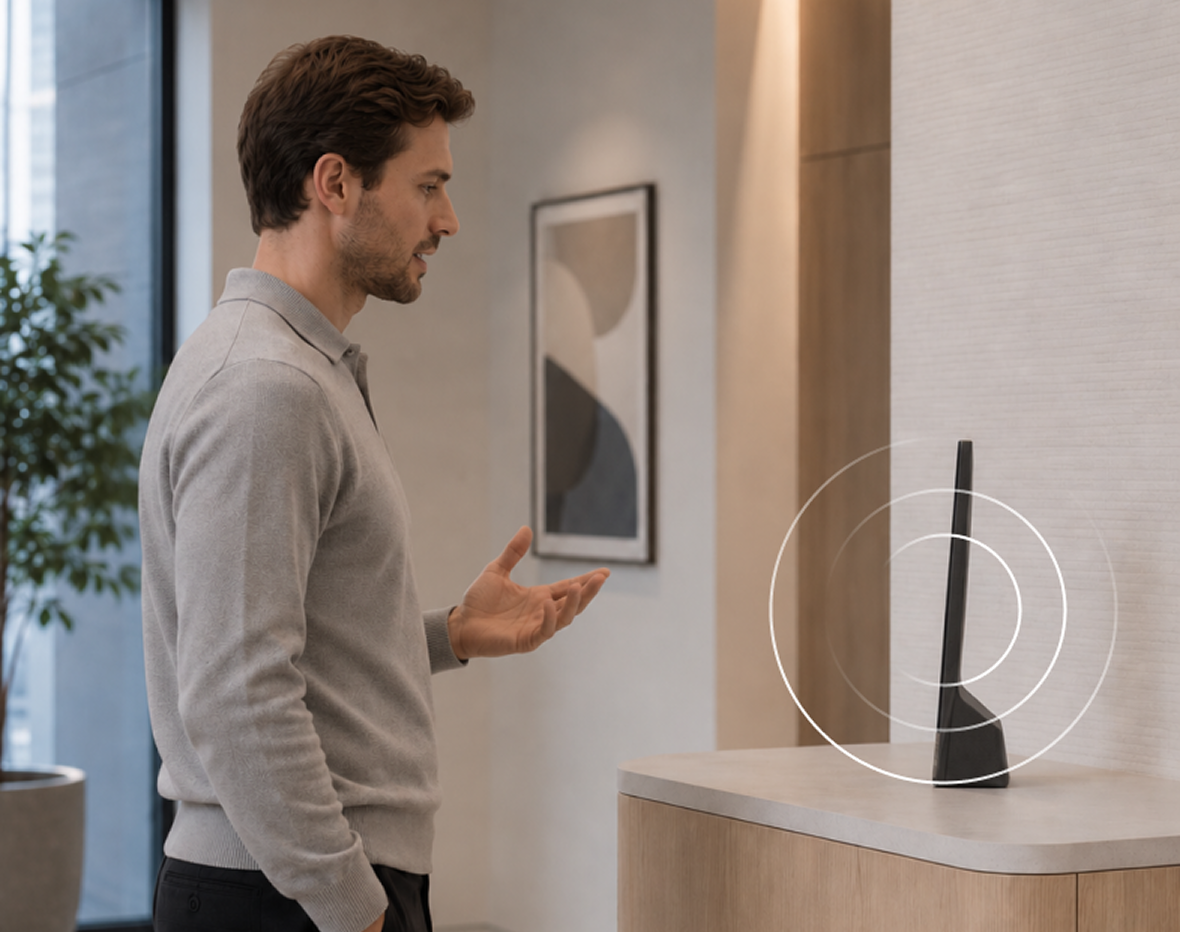
AI Receptionist:
Build into Virtual Front Desk
Welcome visitors, answer questions, guide check-ins, take action, and connect to a live receptionist whenever human help is needed.
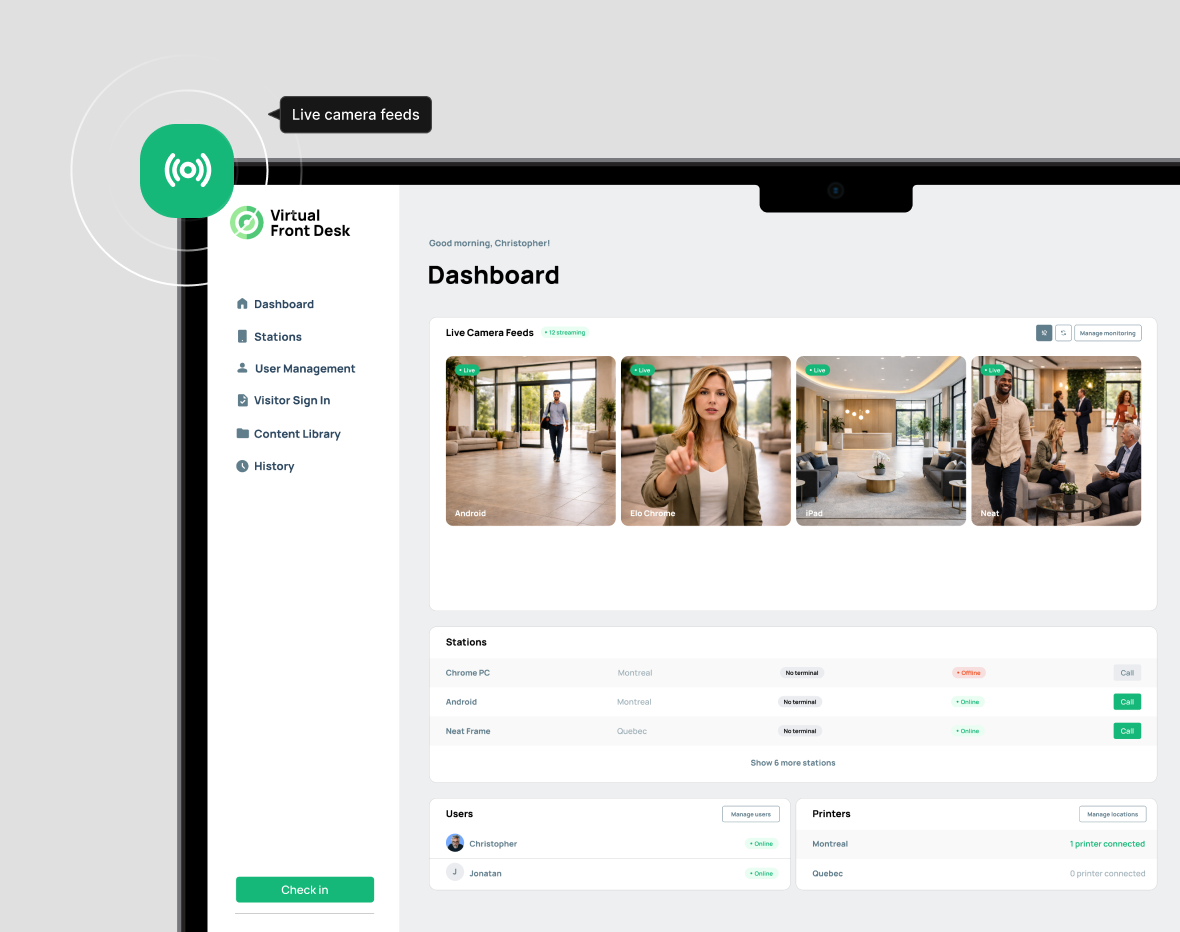
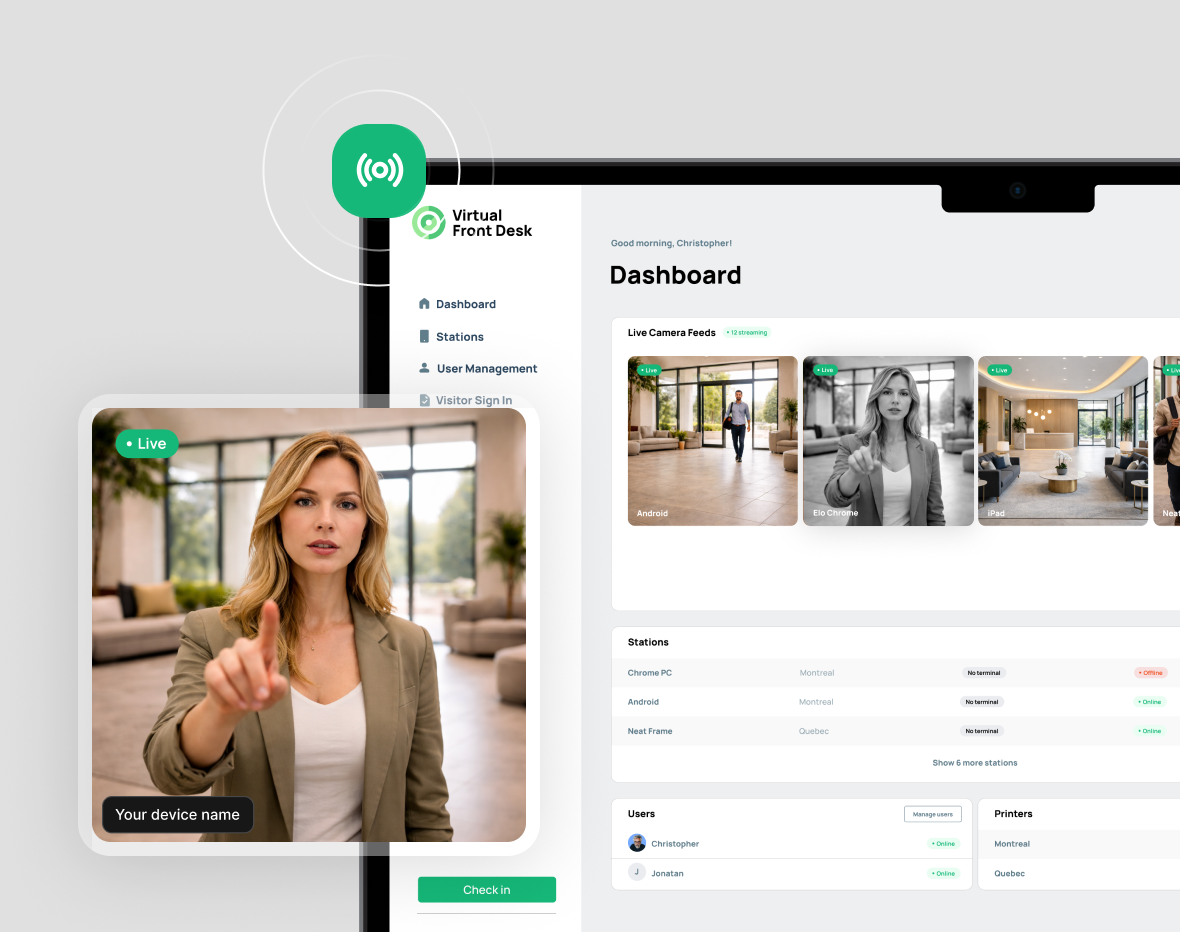
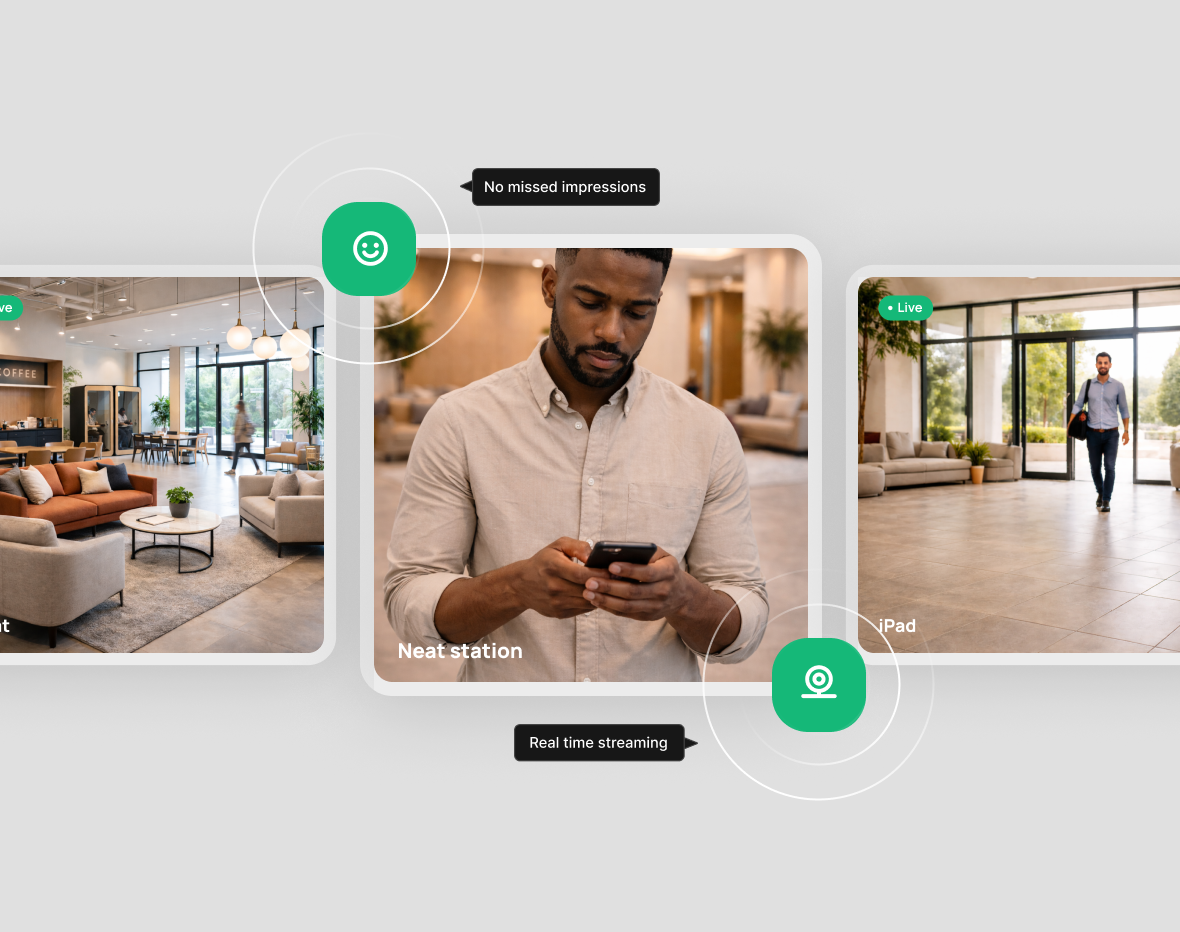
Live Streaming:
Monitor Arrivals in Real Time
Turn any Virtual Front Desk station into a live lobby camera, so you see the moment someone walks in and can greet them before they reach the desk.
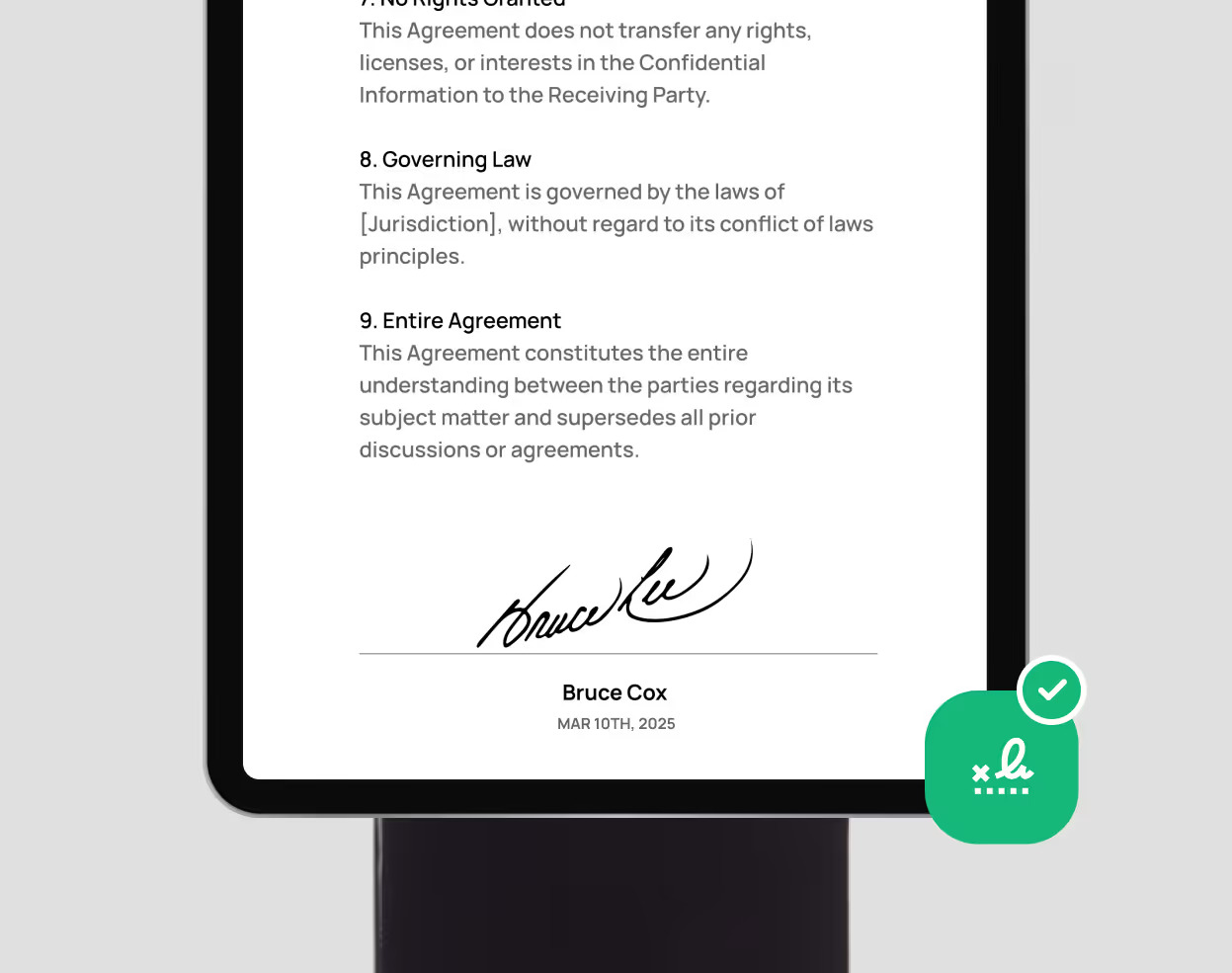
Visitor Management:
Sign In, Verify, and Notify the Host
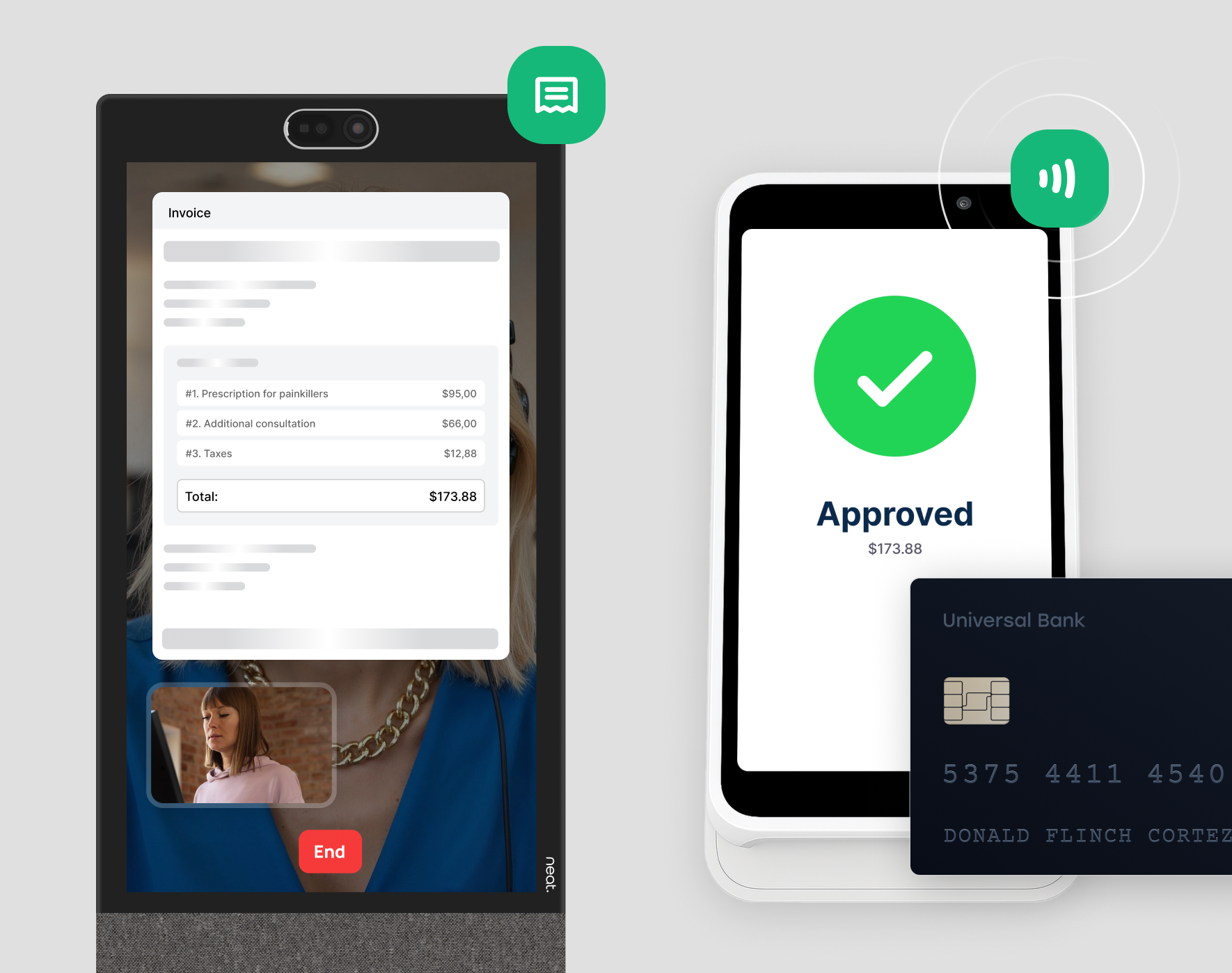
Visitors sign in at the station, answer your questions, sign an NDA if needed, scan their ID, and take a selfie. The host they're meeting is notified the moment they arrive.
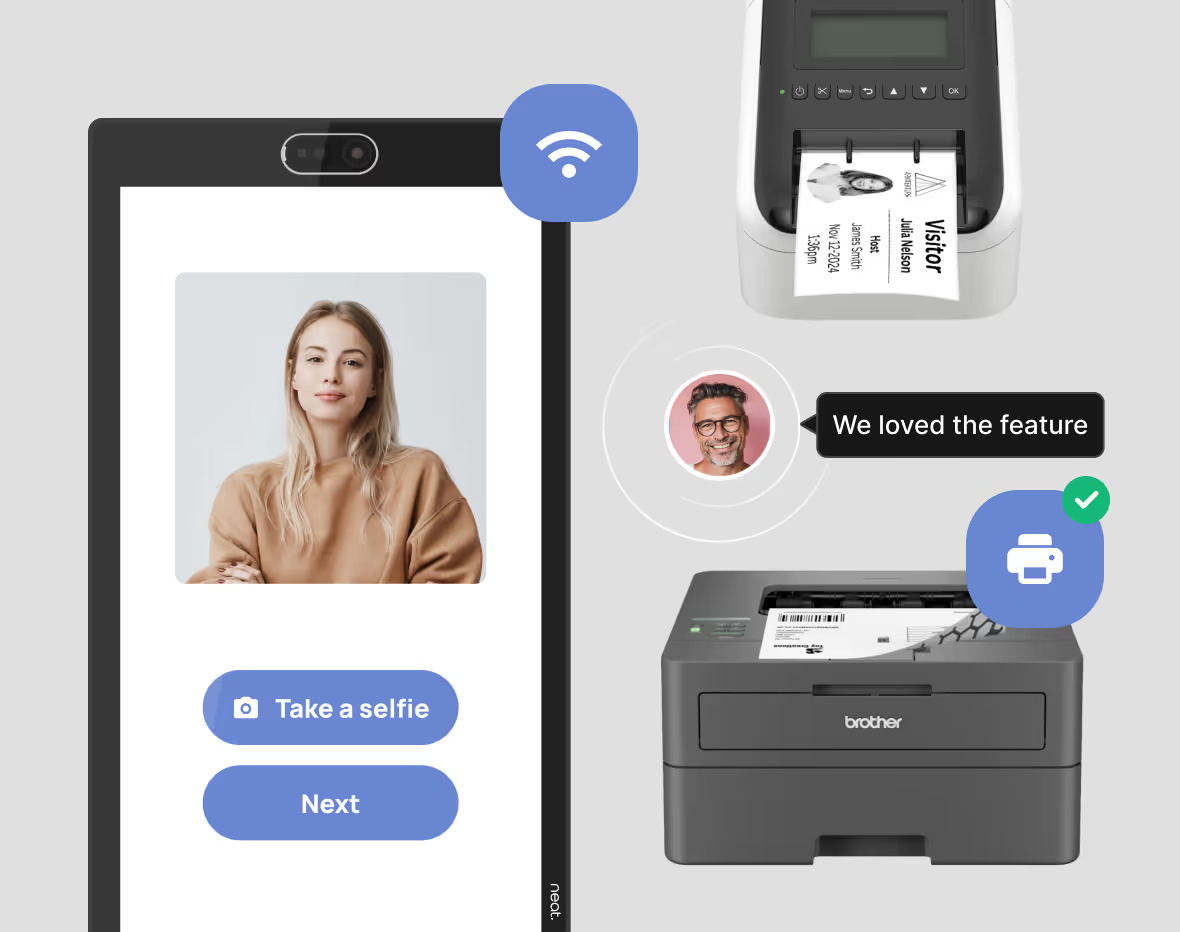
Printing:
Visitor Badges and Documents
When a visitor finishes signing in, the station prints a visitor badge automatically. During a video call, your receptionist can also send a document to the on-site printer,
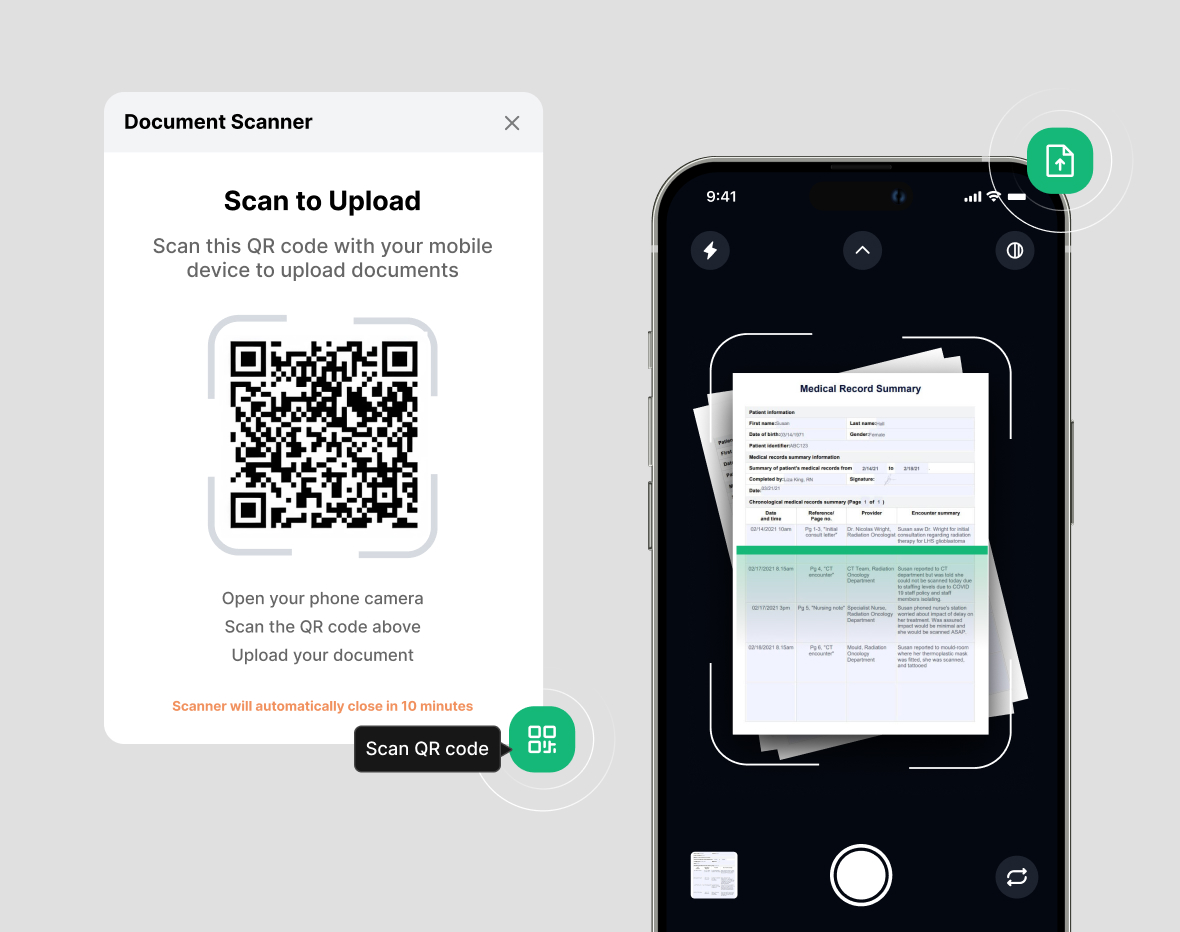
Digital Scanner:
Capture & Upload
The visitor scans a QR code on the station with their phone, photographs the document, and it arrives instantly with the receptionist on the video call. No bulky scanner needed.
Stripe Integration:
Take payment at the station
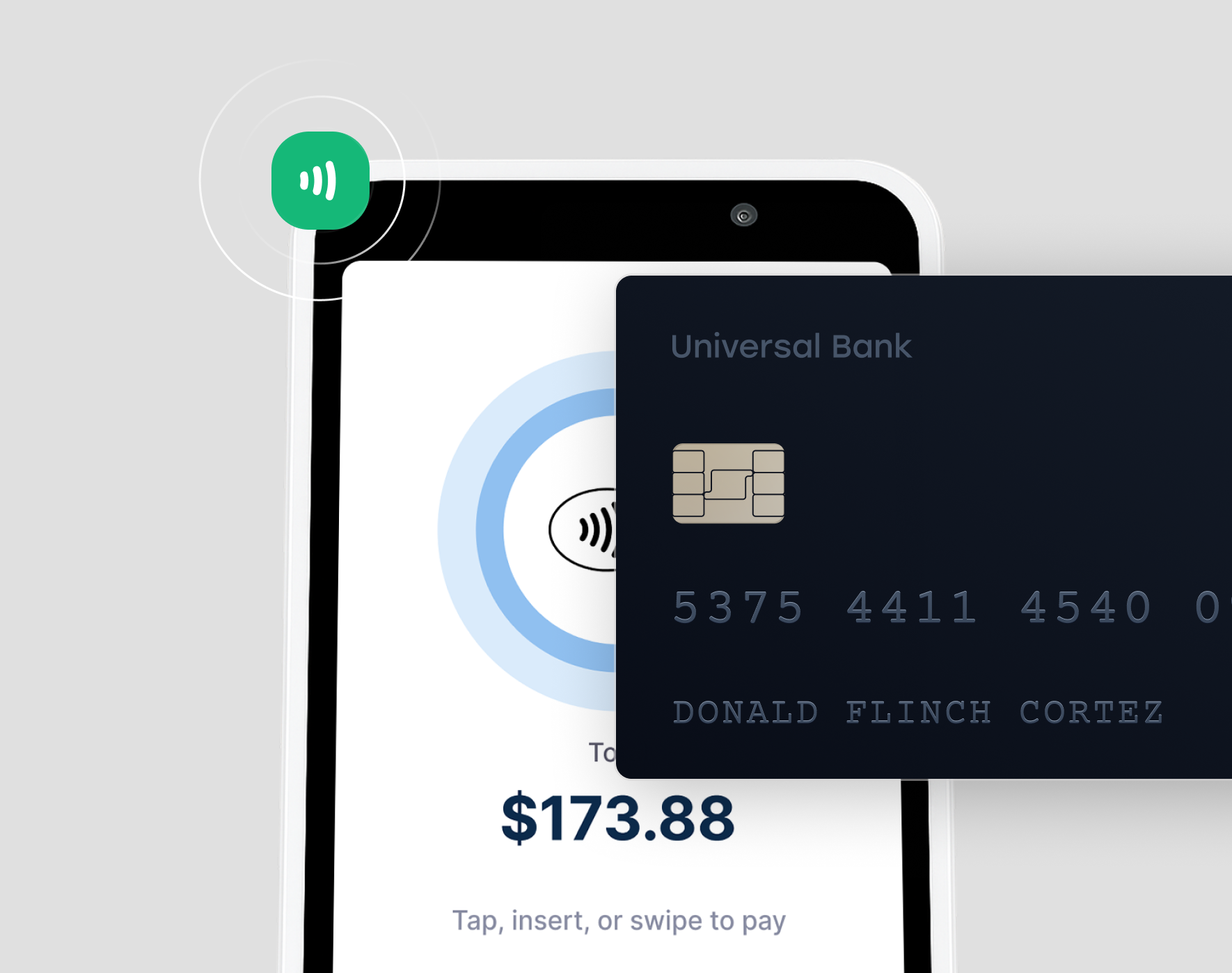
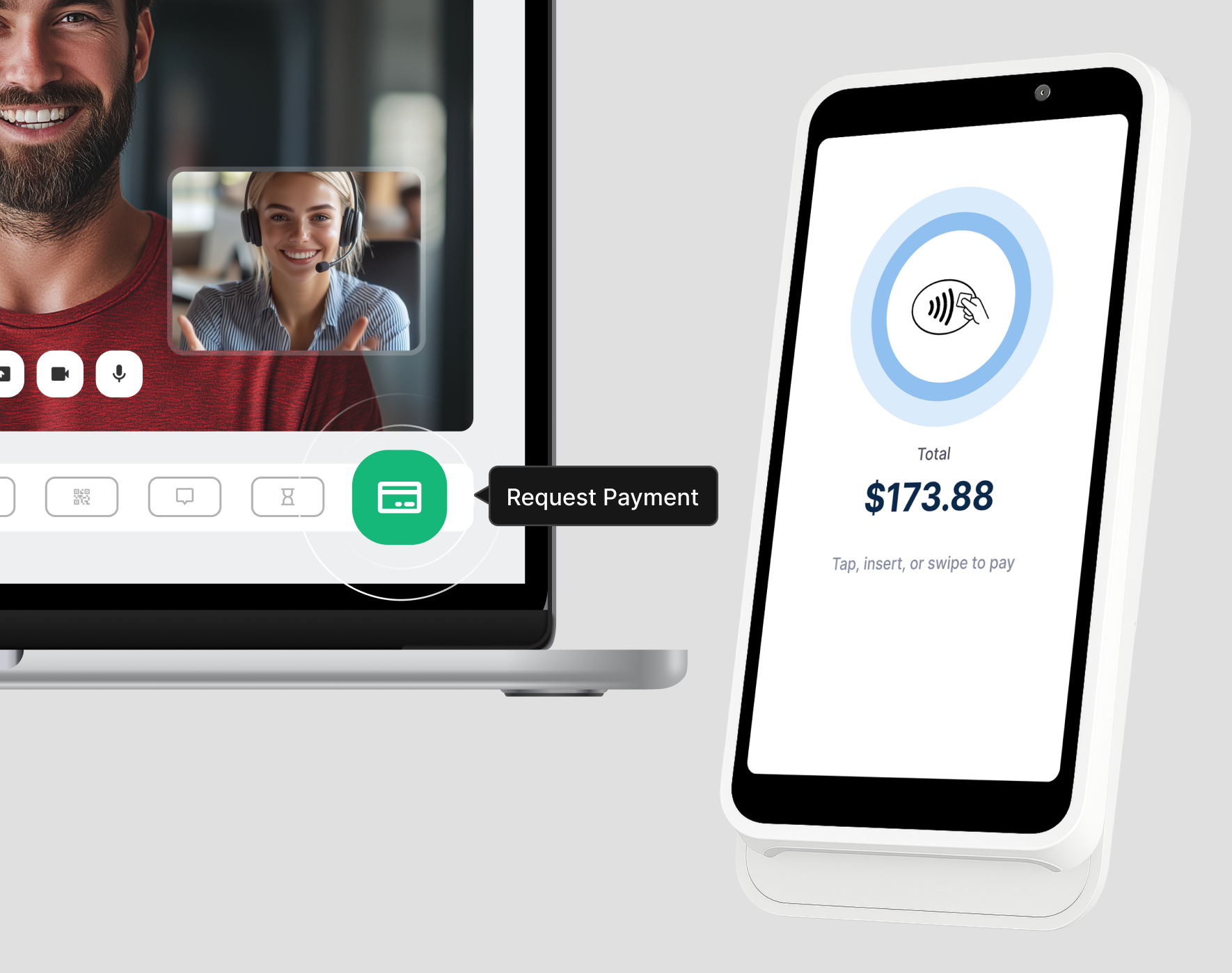
During a video call, the receptionist sends an amount to the Stripe terminal beside the station, and the visitor taps or inserts their card to pay on the spot.
Mobile Application:
iOS and Android
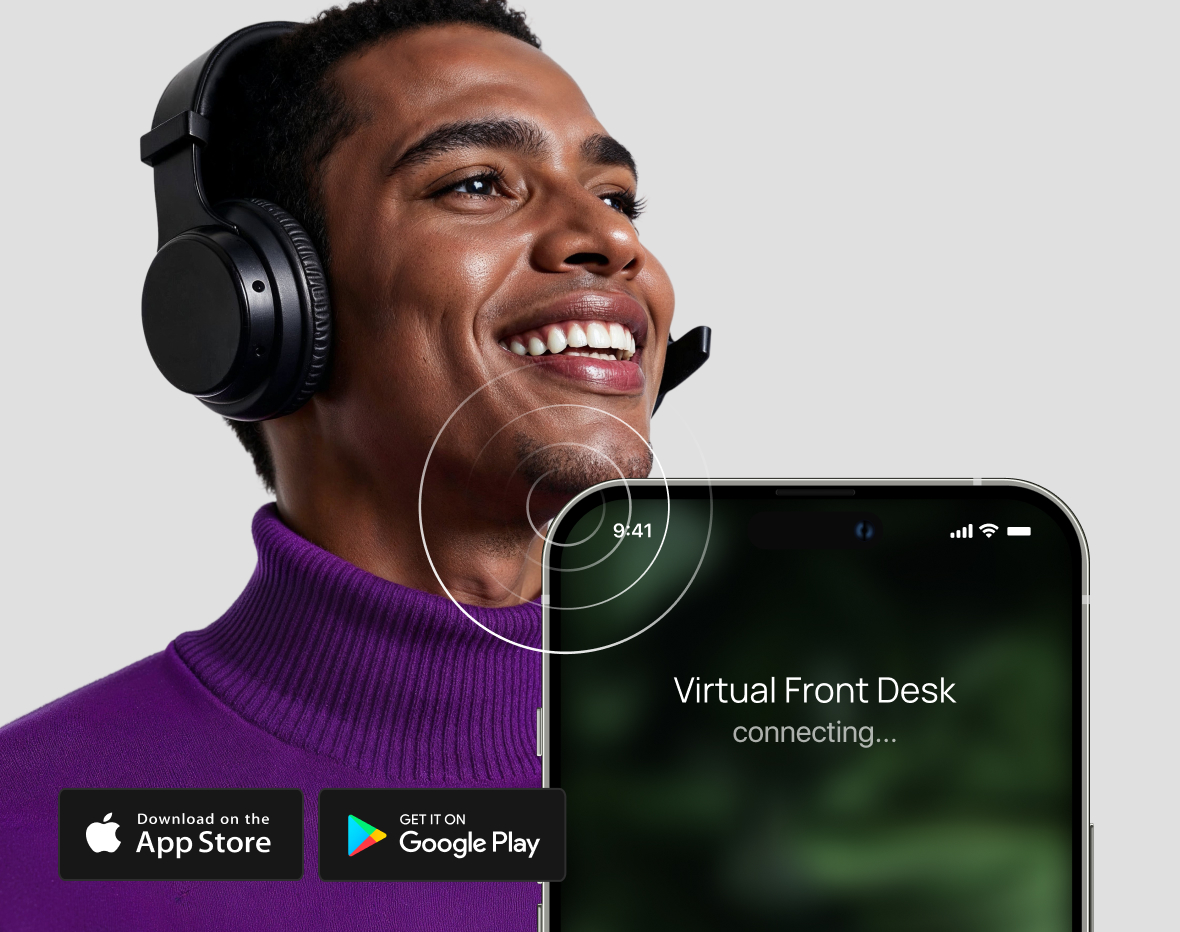
Receive video calls from the station right on your phone, so you can give visitors face-to-face service without being tied to a computer.
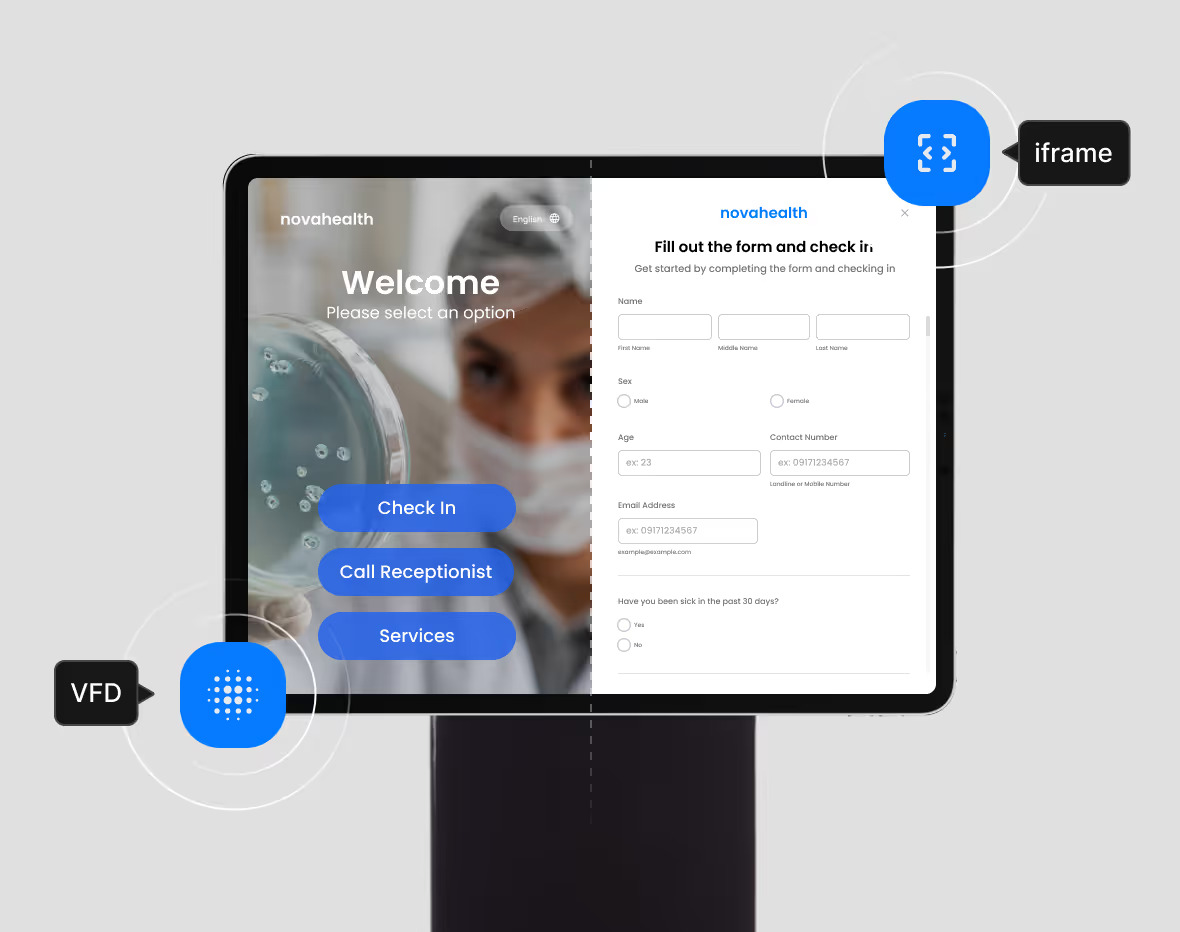
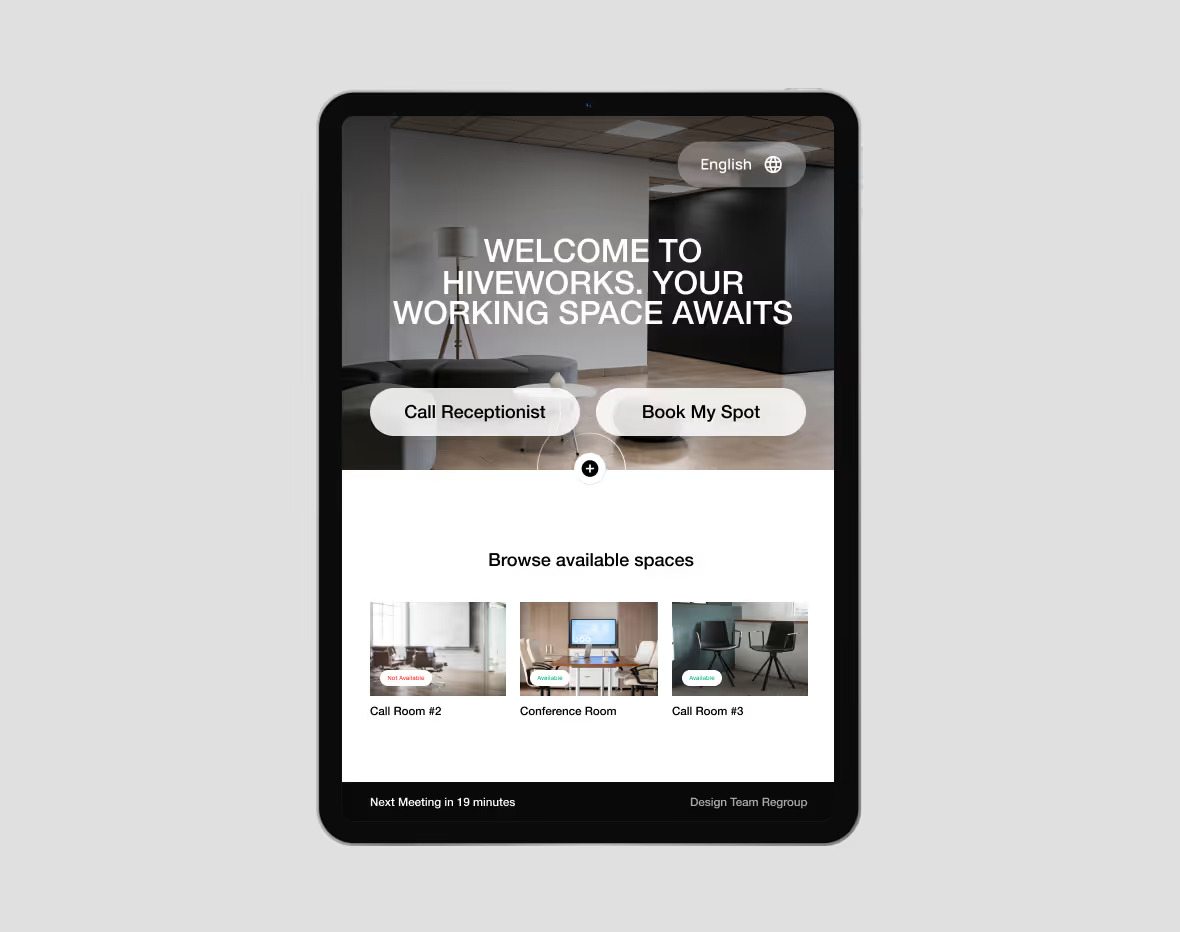
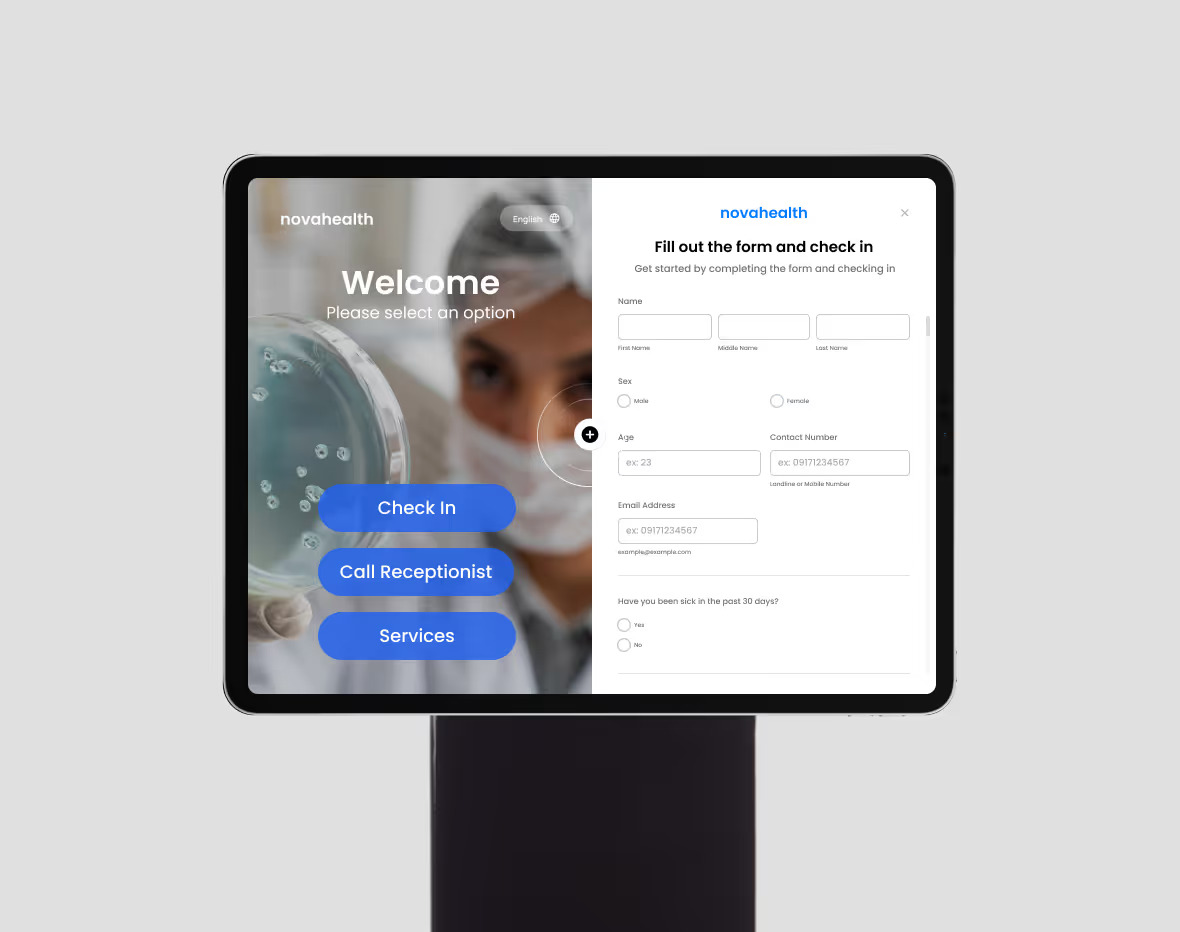
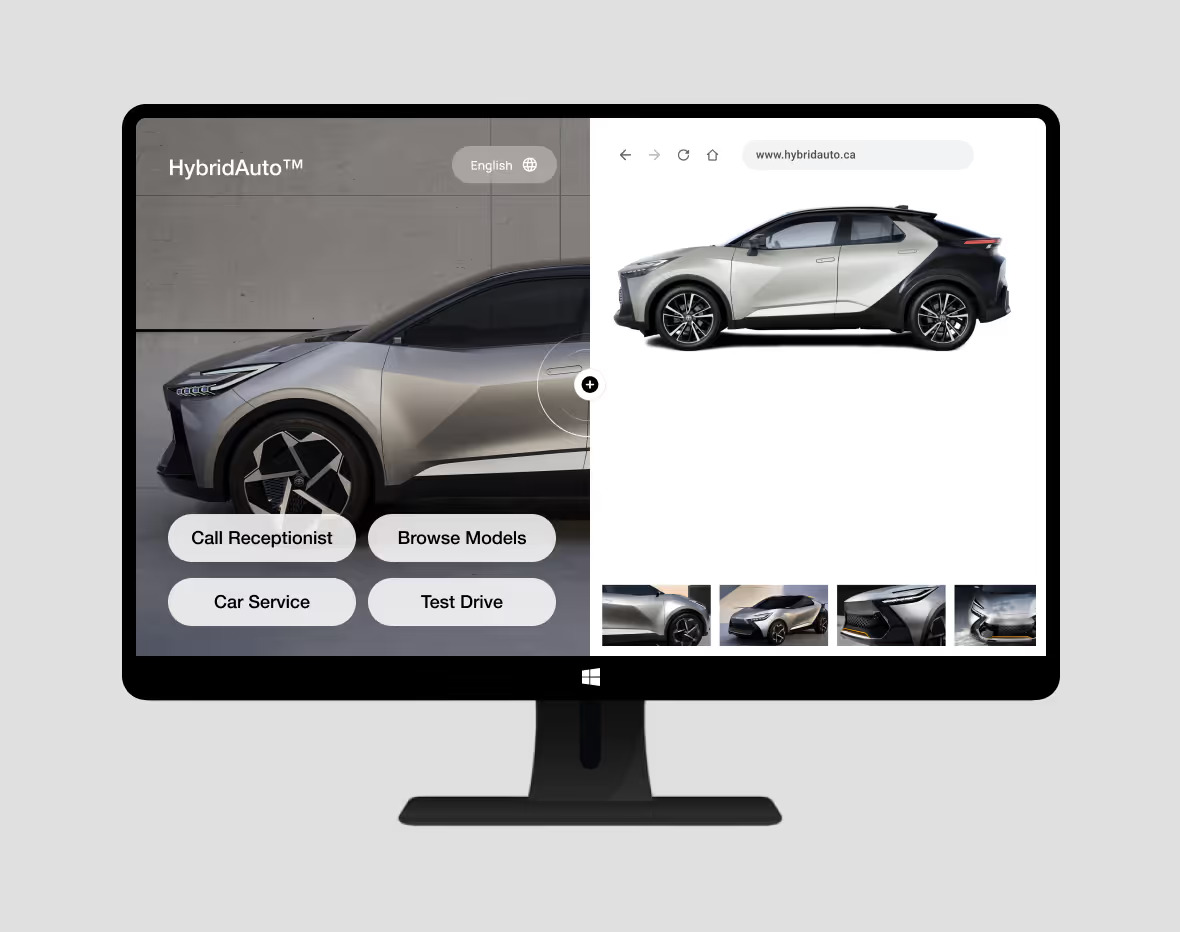
iFrame Support:
Integrate whatever you want
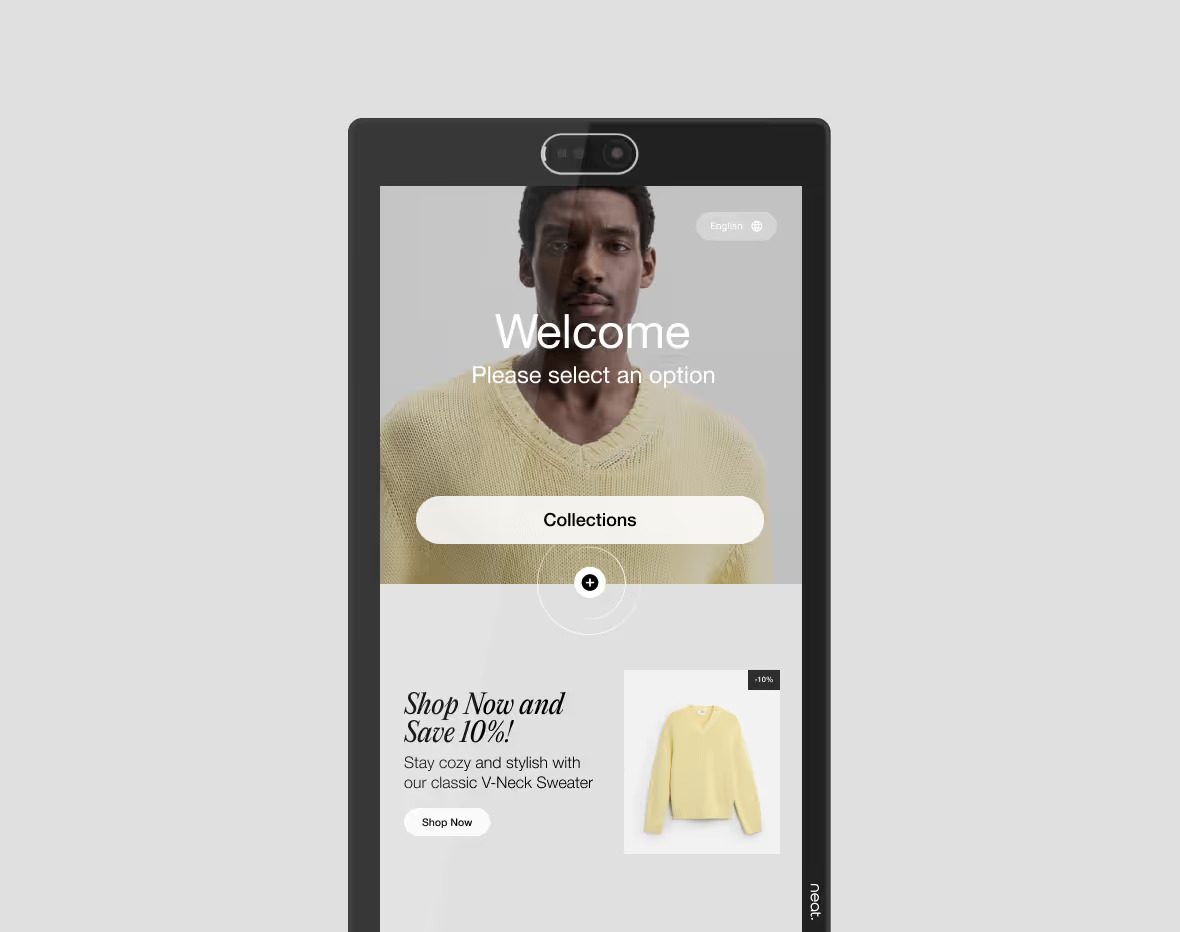
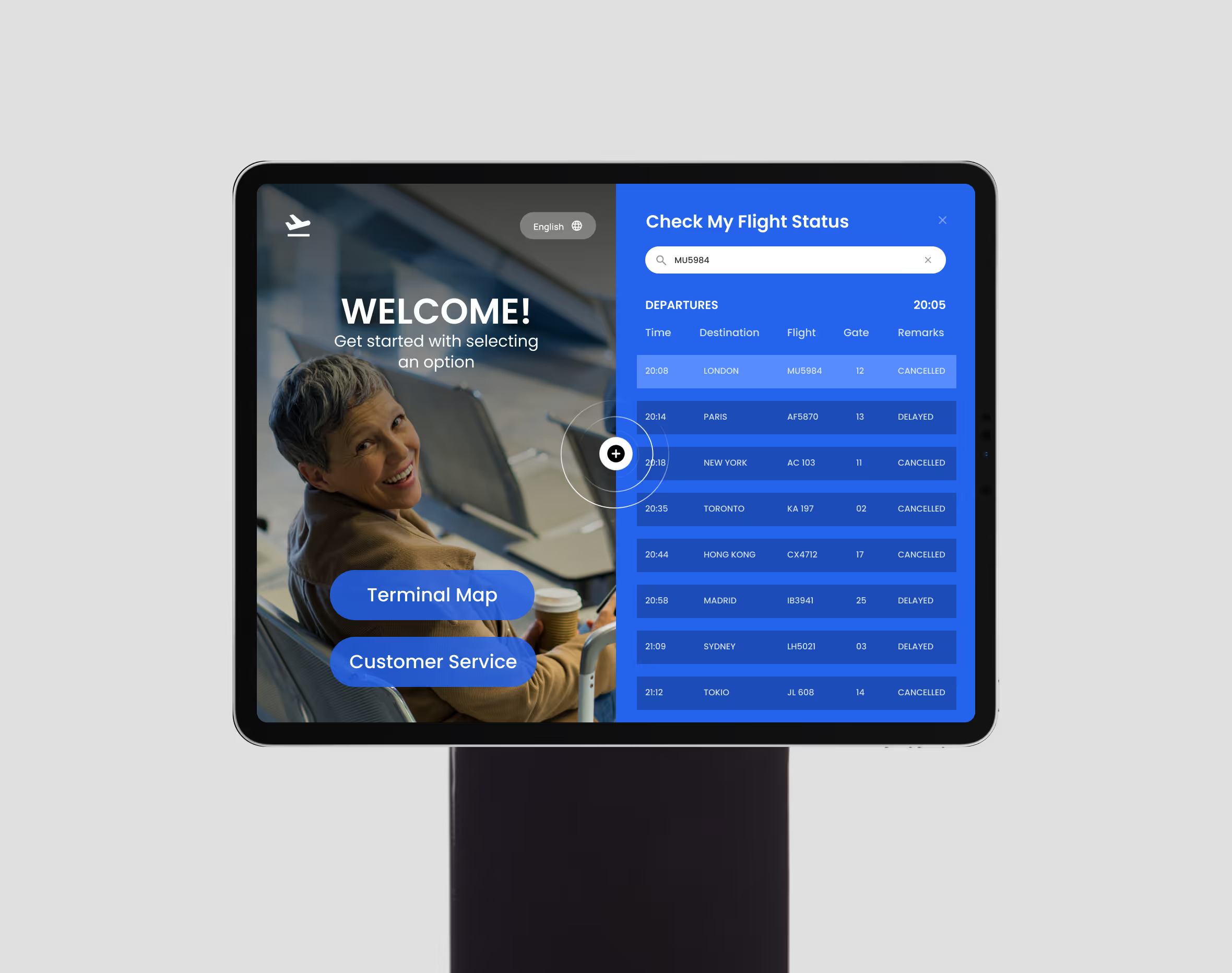
Embed a web page into the station: a booking app, a feedback form, a promo video, or your own site. Show it on a split screen, behind a button, or inside the sign-in flow.
Send Virtual Front Desk:
Notifications to Slack
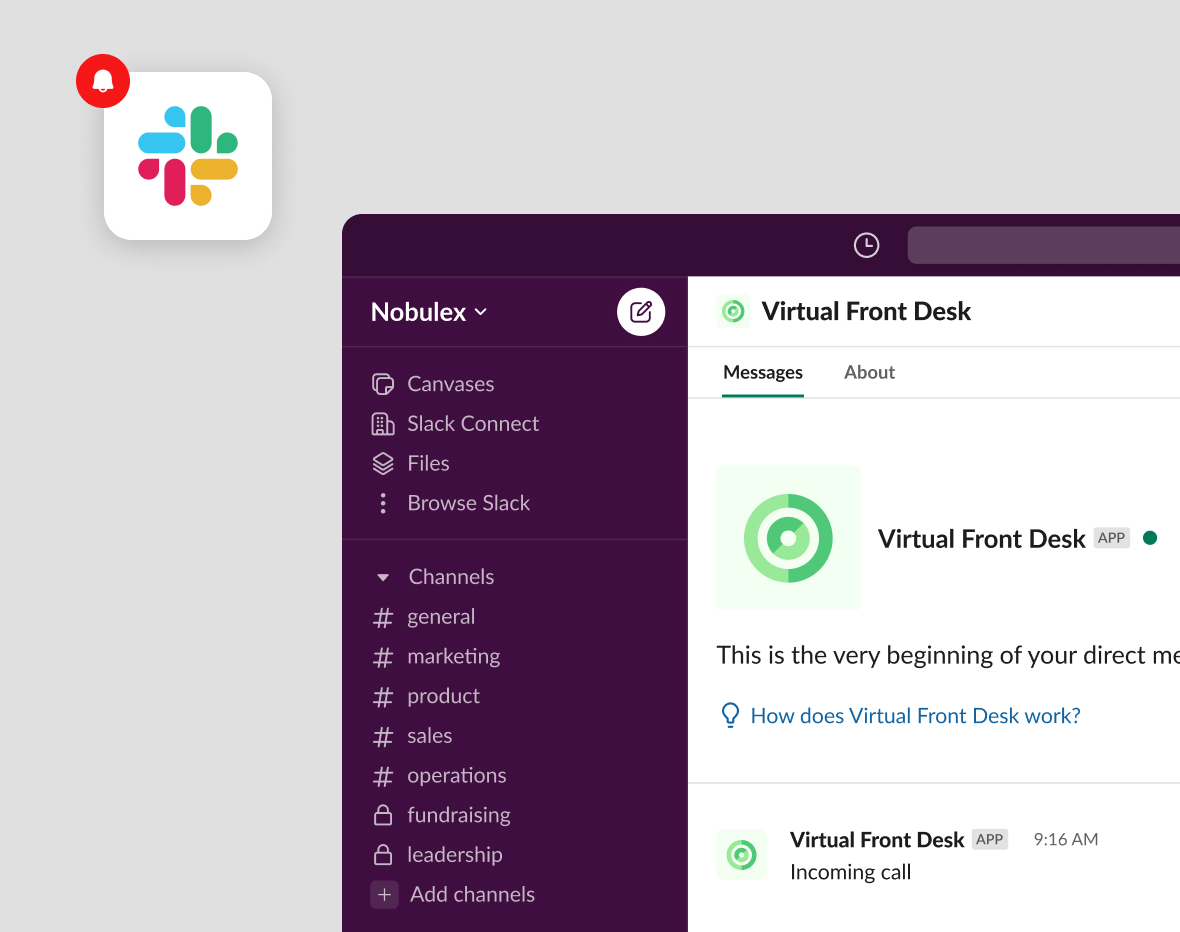
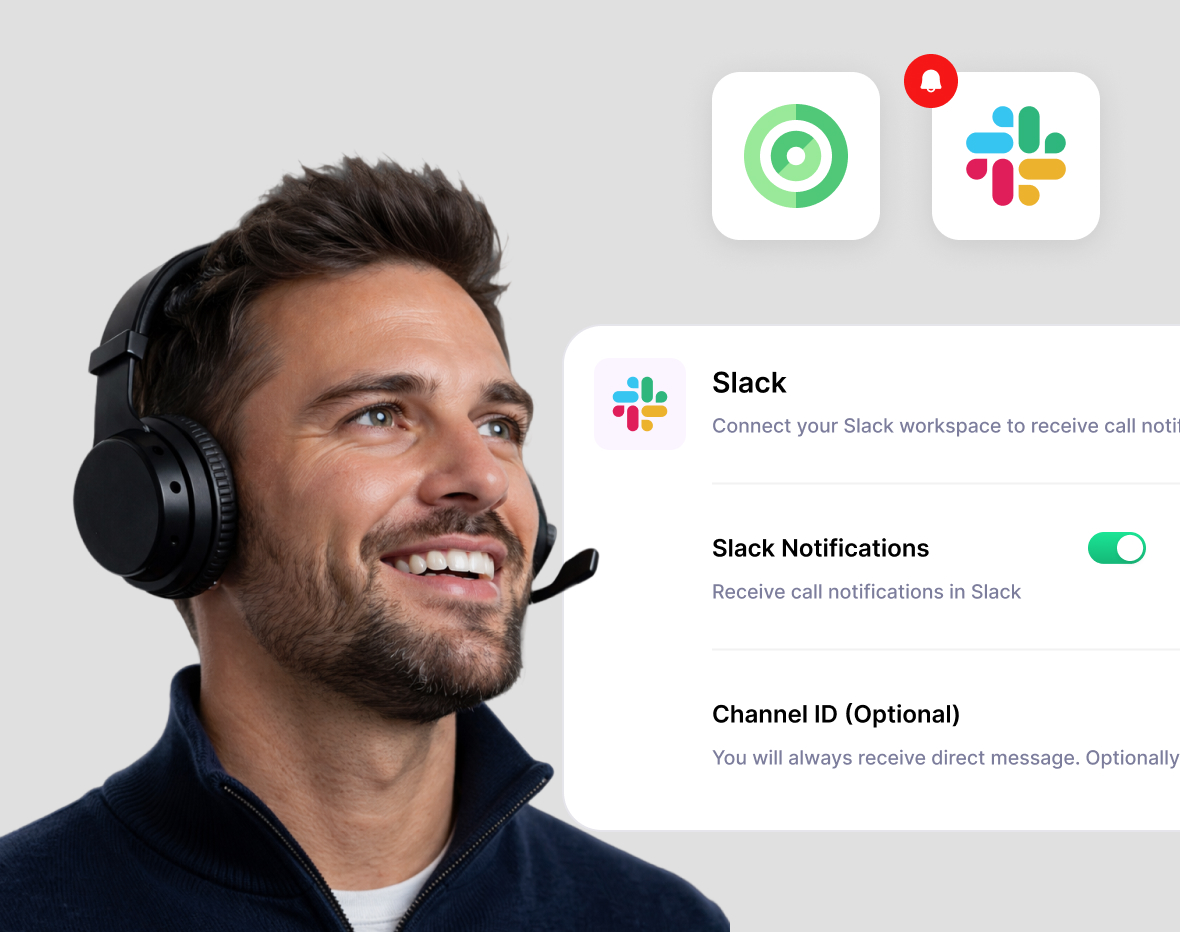
When a visitor taps a button on the station, an instant message goes out in Slack, to a channel or to a specific person.
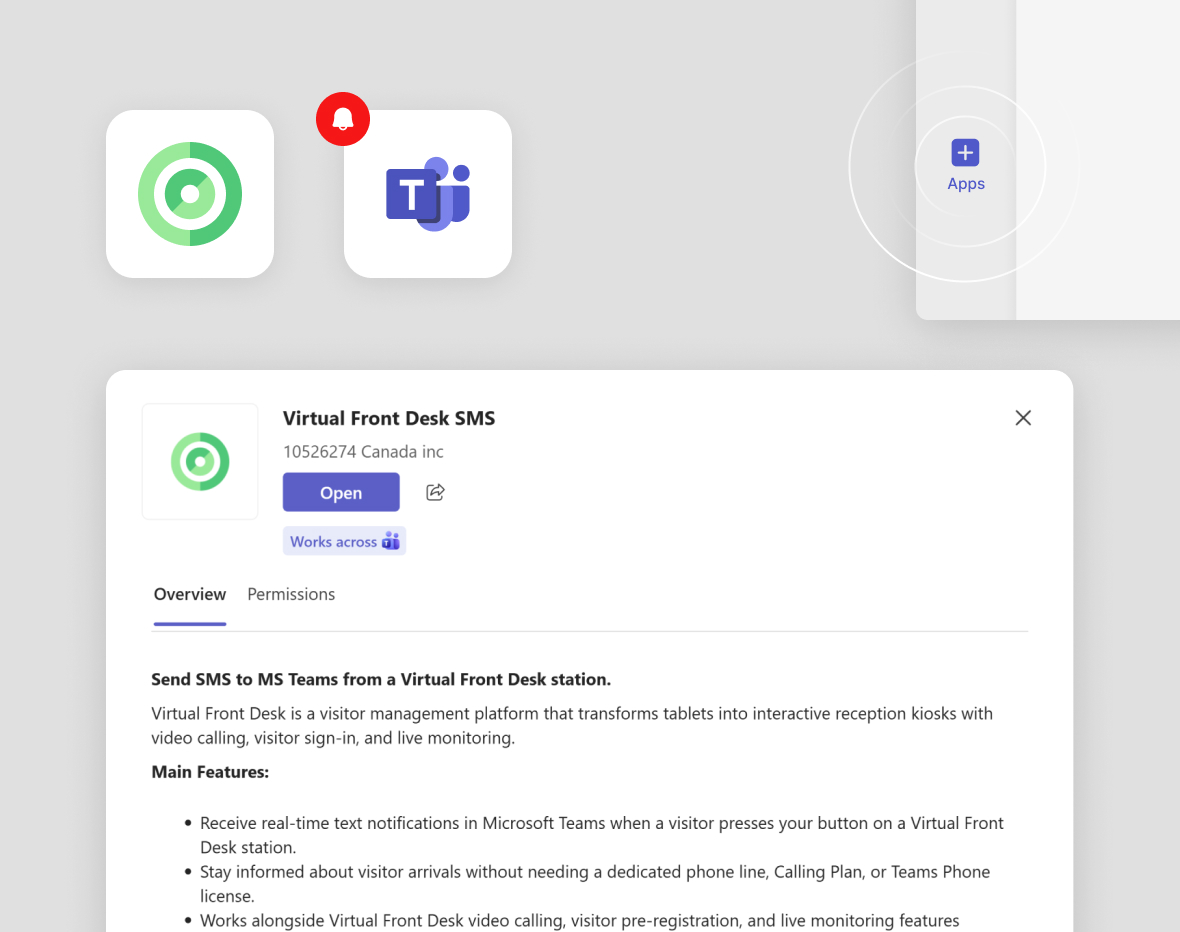
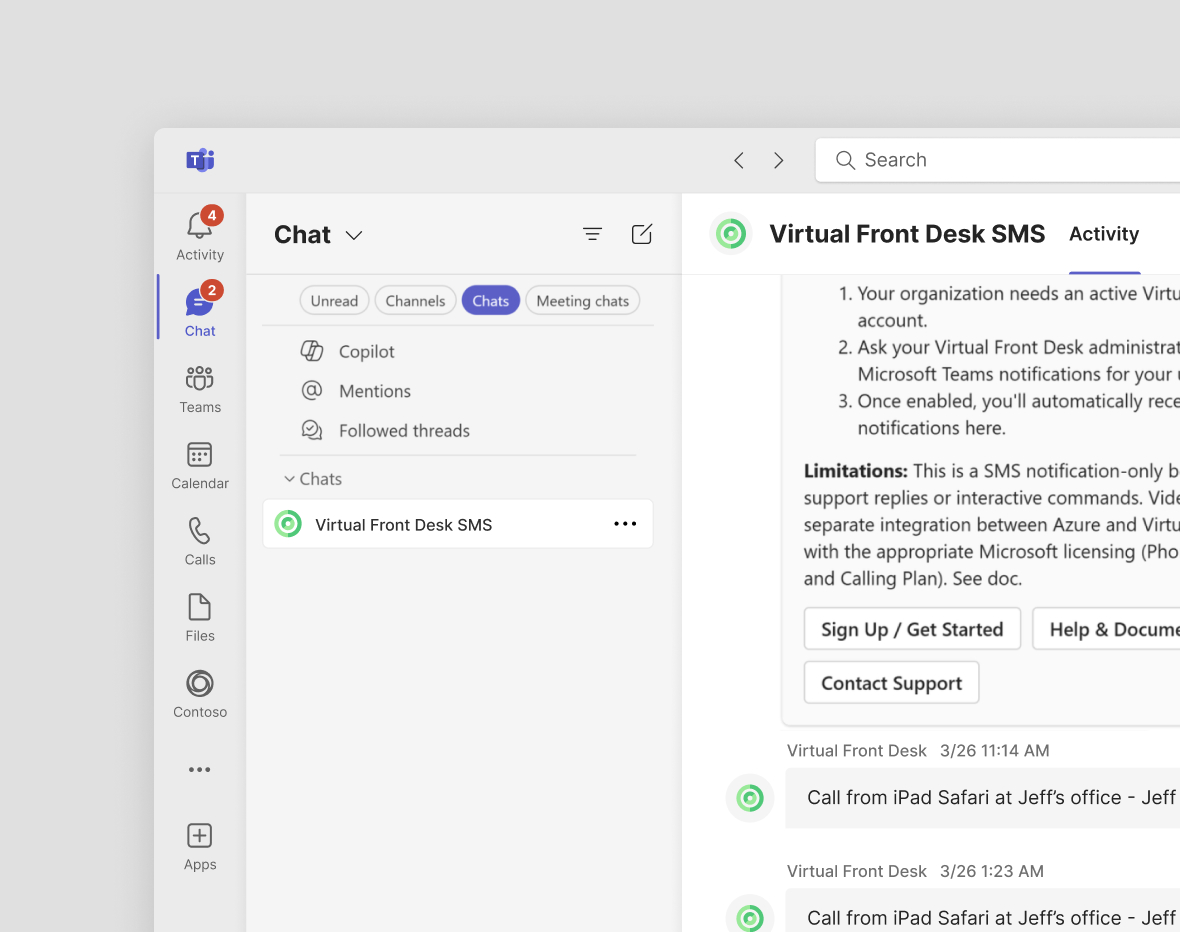
Microsoft Teams integration:
Video or SMS
Route a visitor's video call or SMS straight into Microsoft Teams. Your staff answer from the app they already have open all day.
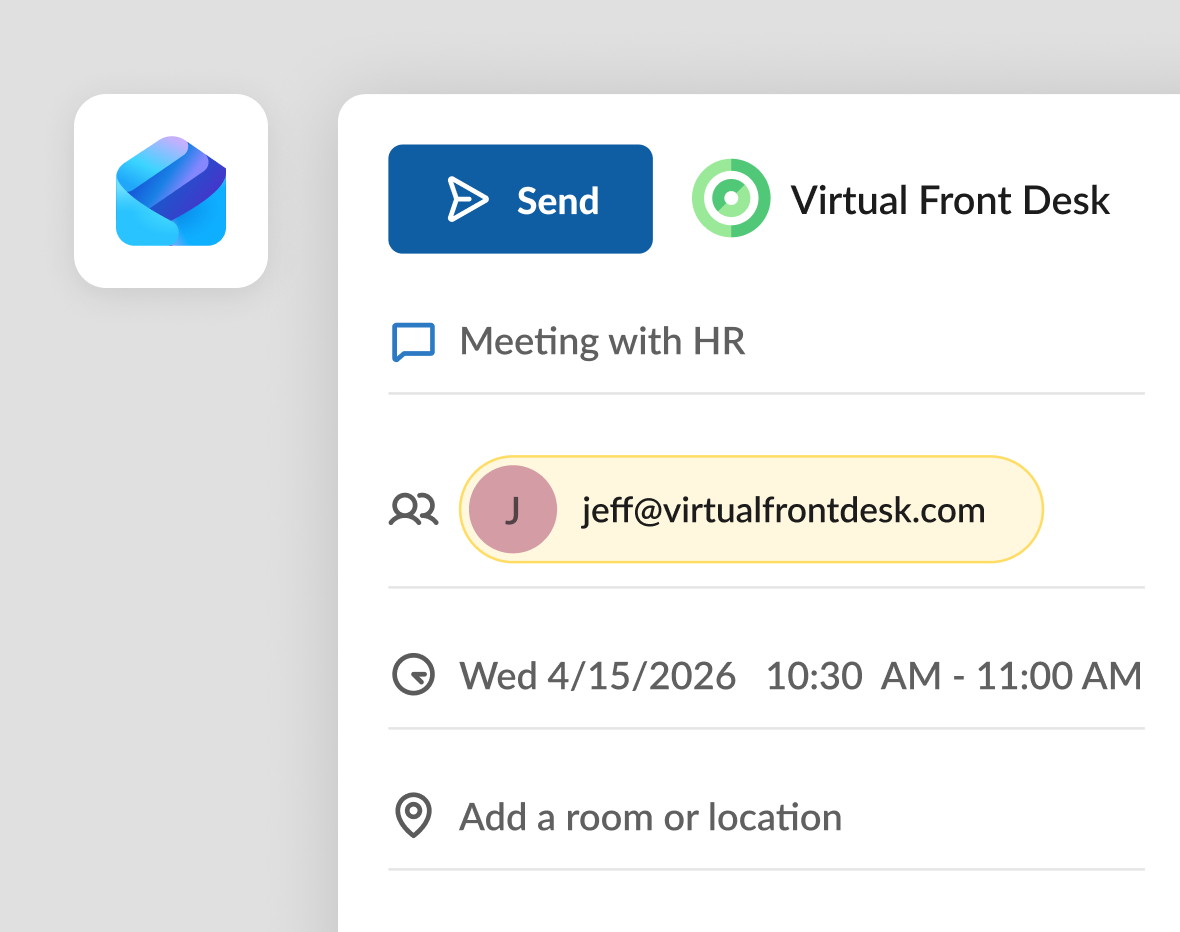
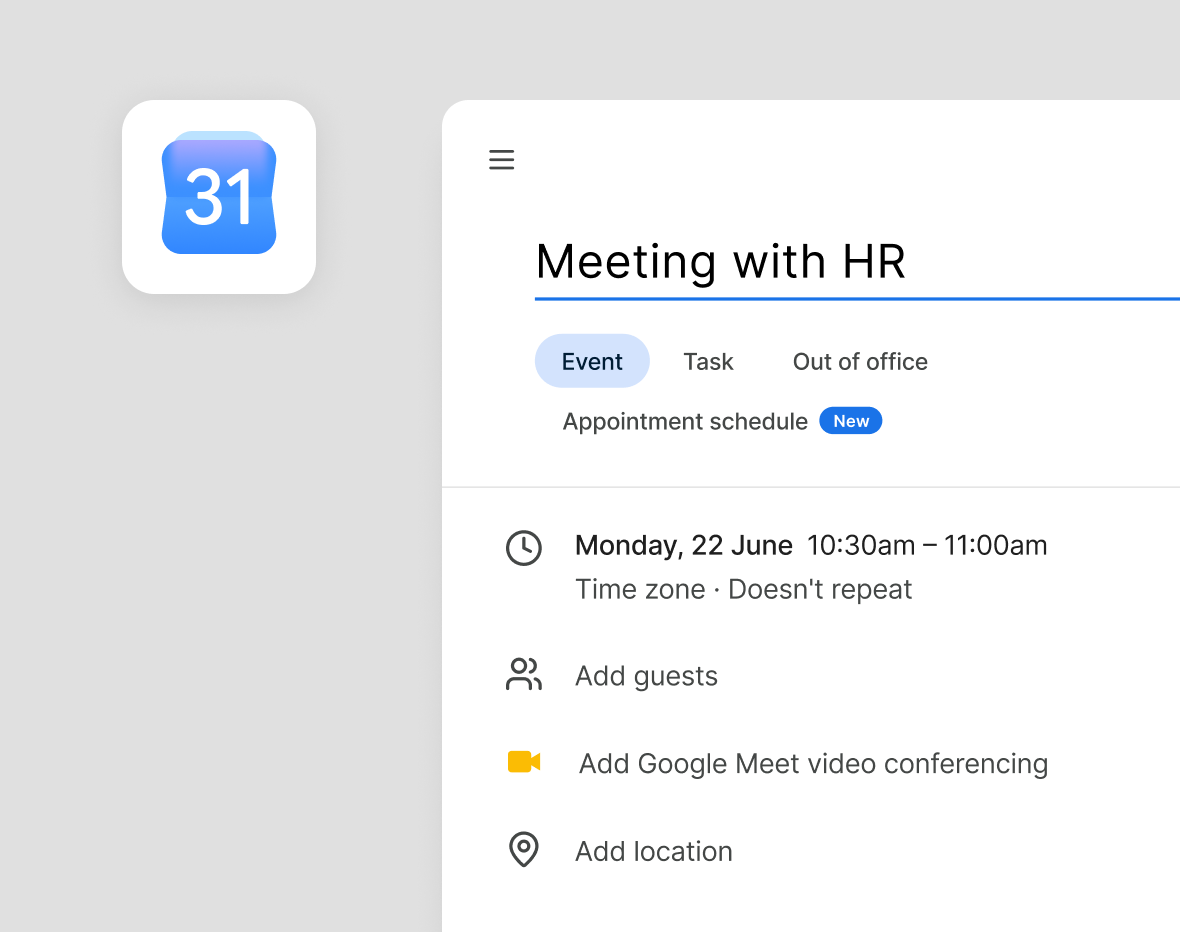
Outlook & Google Integration:
Send Visitor Pre-Registrations
Use Outlook or the Google Calendar integration to invite visitors, send pre-registration emails, and give guests a faster arrival experience with express sign-in at the station.
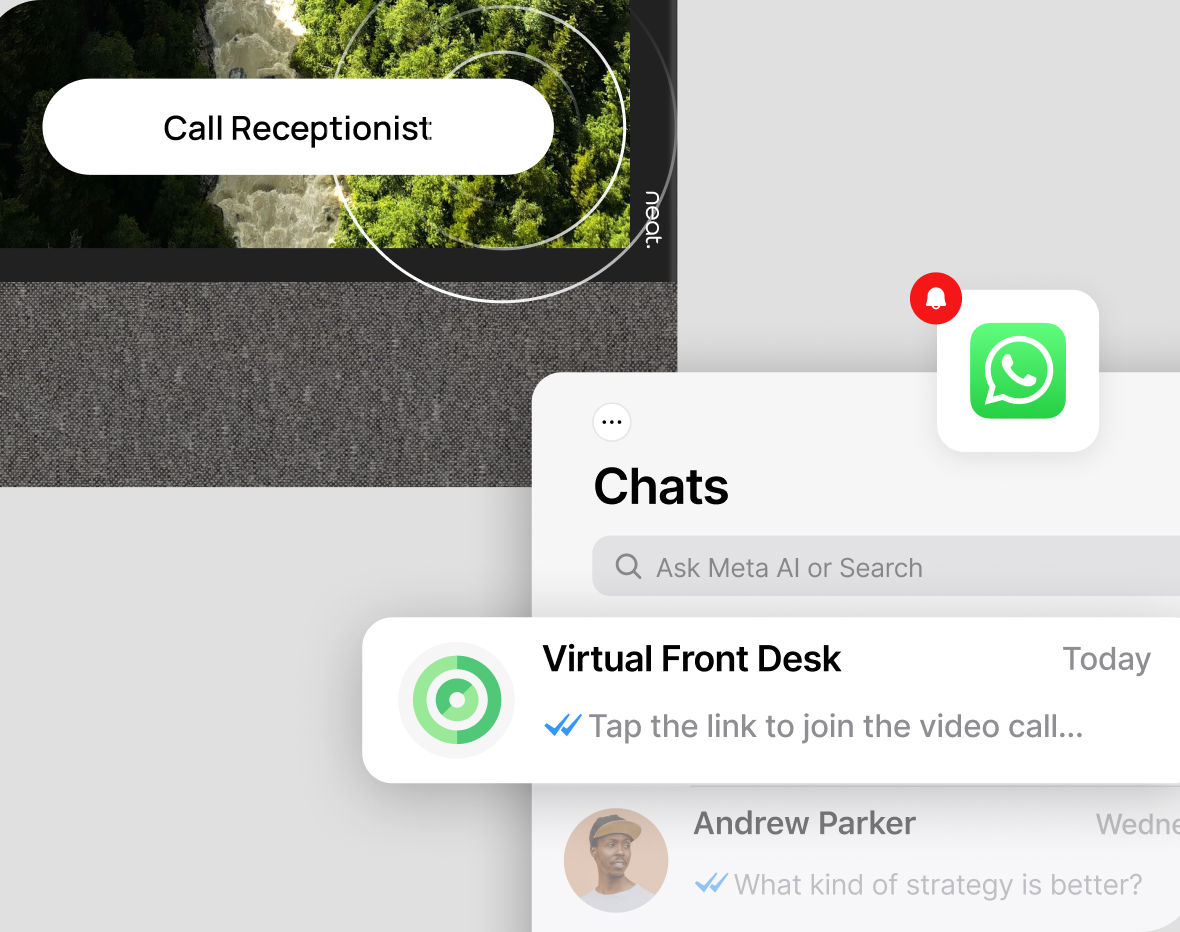
WhatsApp Integration:
Text notification or video-call link
Receive either an SMS notification in WhatsApp or a video call link you can tap to start a video call between WhatsApp and the Virtual Front Desk station.
Bring your station screens to life playing looped video
Turn your station into a branded digital screen.
Why Choose
Virtual Front Desk
Most reception tools do one thing. Virtual Front Desk is a communication platform built around live video, something almost no competitor offers, and it can even take card payments right at the station. Between that, streaming, document signing, badge printing, and on-screen content, you run your whole front desk from one app.
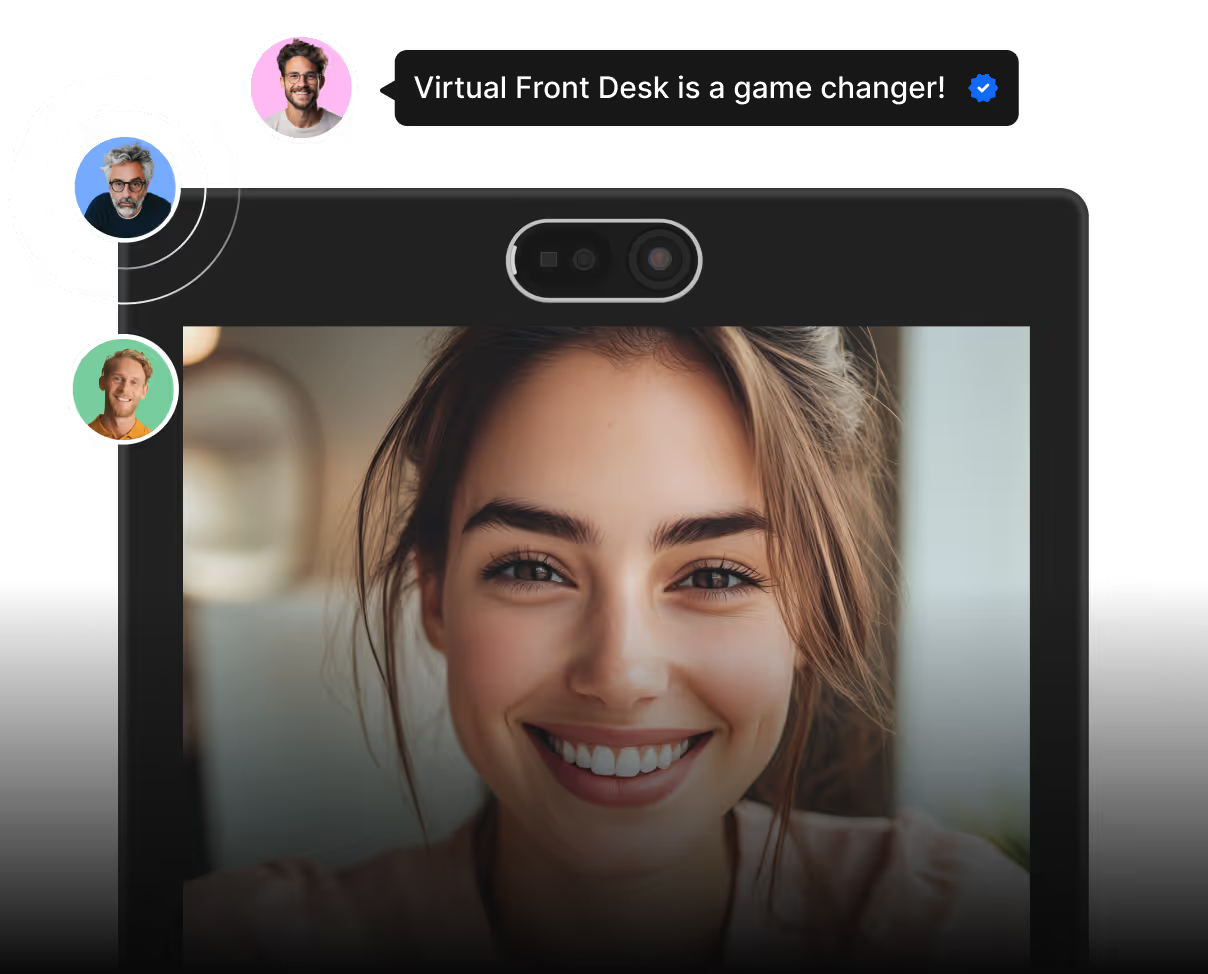
Virtual Front Desk trusted by businesses and organizations across industries

Los Angeles Metro
Los Angeles Metro uses Virtual Front Desk to connect riders with live customer service in one tap, improving accessibility and support without adding on-site staff.

City of Tampa
City of Tampa uses Virtual Front Desk to show PDFs and a department directory, helping visitors find information fast and reach the right staff.

Government of Canada
Government of Canada uses Virtual Front Desk to provide secure, contactless customer service and lobby monitoring within correctional facilities.

Ricoh
Ricoh uses Virtual Front Desk as a Teams-connected employee directory, letting visitors quickly reach staff via video for efficient, professional assistance.

EmergeOrtho
EmergeOrtho centralized front-desk operations across multiple clinics using a super-receptionist model and face-to-face video service.

Ports America
Ports America uses Virtual Front Desk for secure visitor sign-in and badge printing, improving tracking, security, and flow at busy port terminals.

City of Palo Alto
City of Palo Alto offers residents direct access to municipal services through video calls, improving civic access without expanding physical service desks.

Allstate
Allstate uses Virtual Front Desk with a Teams directory and NDA signing at check-in, ensuring compliance and smooth visitor communication.

Siemens
Siemens replaced traditional reception with a Teams-integrated directory, digital sign-in, and badge printing for a consistent global visitor experience.

Levi's
Levi’s uses Virtual Front Desk as an employee directory so visitors can quickly call the right person and keep meetings running smoothly.

Grant Thornton
Grant Thornton uses Virtual Front Desk with SMS and email alerts to notify employees of arrivals, ensuring quick handoffs without a staffed desk.

University of Kentucky
University of Kentucky uses QR codes, PDFs, and video notifications to guide visitors and help staff respond without a traditional reception desk.

iRent
iRent runs fully automated 24/7 rentals with video help, digital ID scanning, card payments, and e-signing, delivering service at a fraction of counter costs.

MasterCraft
MasterCraft Boats uses Virtual Front Desk to securely manage visitors, print badges automatically, and connect guests to employees through a built-in directory.

CCM Hockey
CCM Hockey uses pre-registration and QR express sign-in with an employee directory, reducing wait times and improving visitor security.

SpacePlus
SpacePlus uses Virtual Front Desk for service, directories, on-screen info, and payments, helping sites run smoothly despite staffing shortages.
The Best Alternative to Microsoft Teams Displays
Virtual Front Desk is the upgrade from Microsoft Teams Displays. It runs on tablets, kiosks, and the Neat Frame, keeps your Microsoft Teams reception workflows, and adds features such as visitor sign-in, badge printing, and branding that Teams Displays never offered.
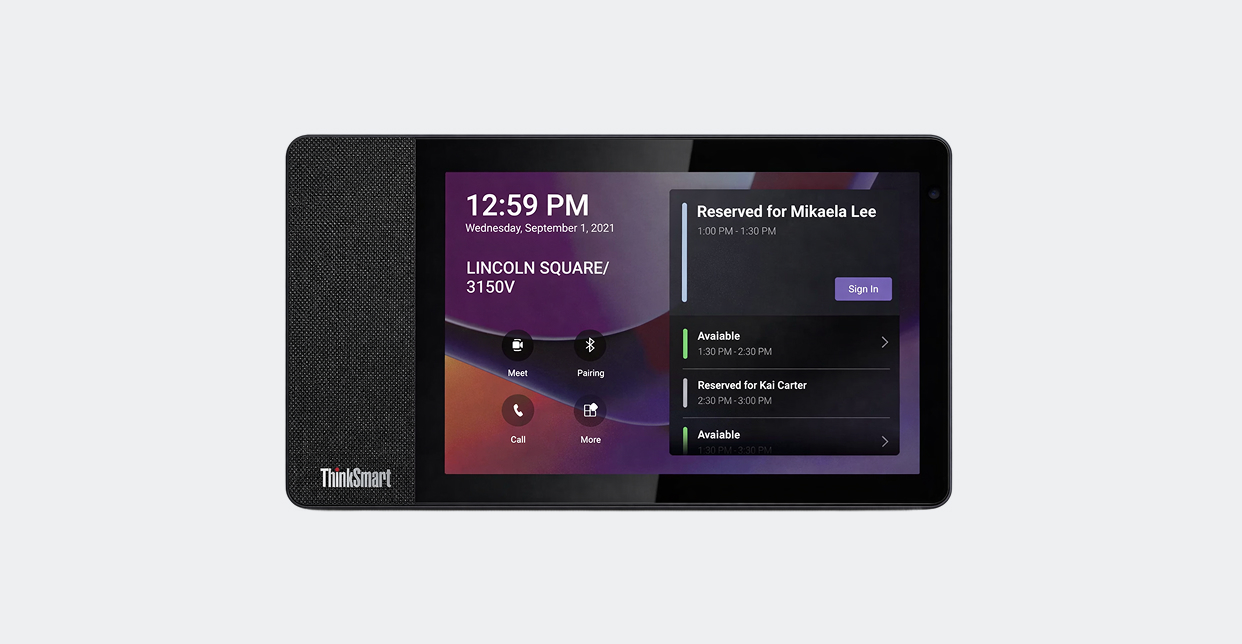
Microsoft stopped supporting Microsoft Teams Displays on September 3, 2025. No more software updates, so it's time to move to a new platform,
- Limited features
- No room for branded, customized station experiences
- Less flexibility for mixed device environments
- Harder to scale one experience across different locations
- Limited front-desk workflow depth beyond reception calls
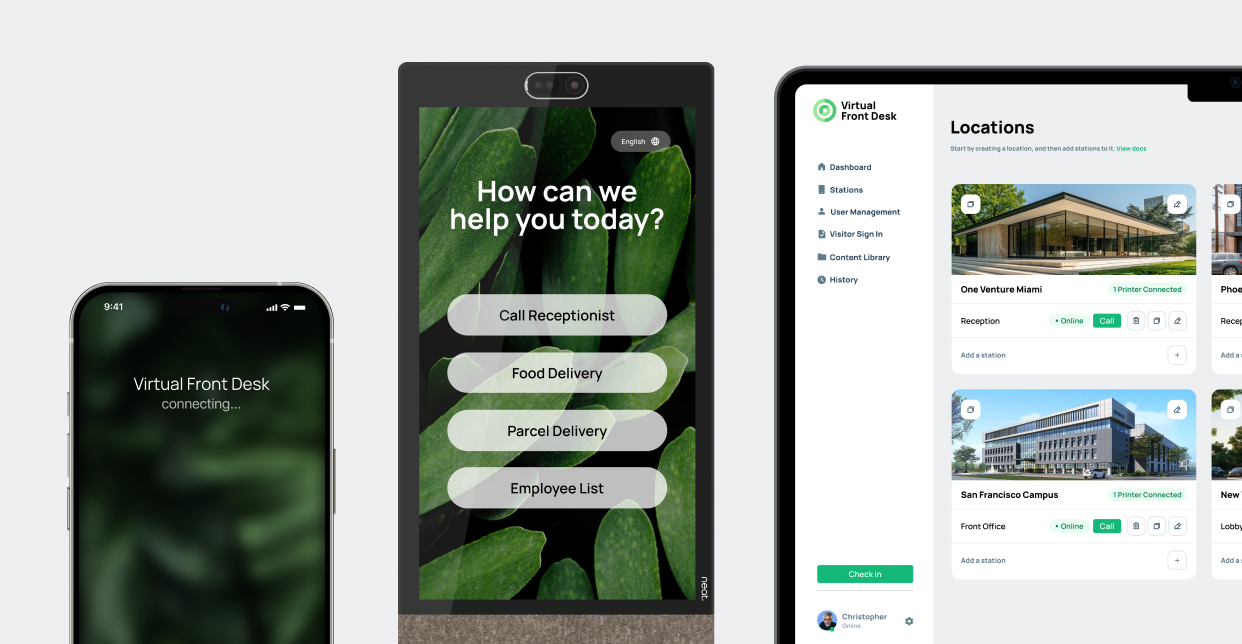
Keeps your Microsoft Teams reception calls, and adds the rest: visitor sign-in, document signing, badge printing and branded stations across every location.
- Evolving platform with 40+ features
- Works across a wide range of devices
- Supports MS Teams-connected reception workflows
- Combines visitor sign-in with front-desk communication
- Supports branded stations and customizable actions
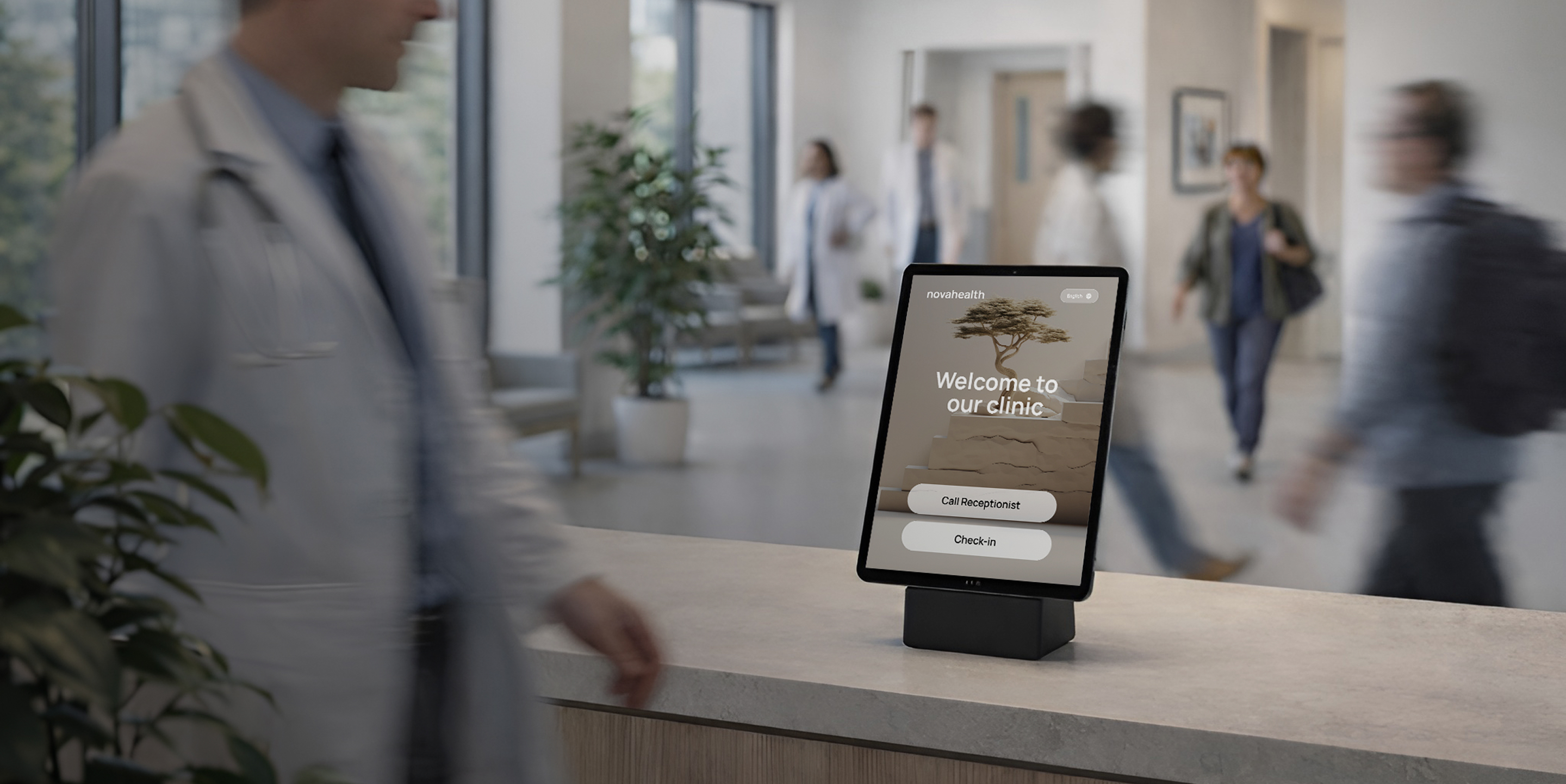
Modern Technology.
Real Connection.
Virtual Front Desk opens up what your front desk can do. Serve more visitors with the same team, extend service to places you could never staff before, and keep the human connection that shows customers you care.
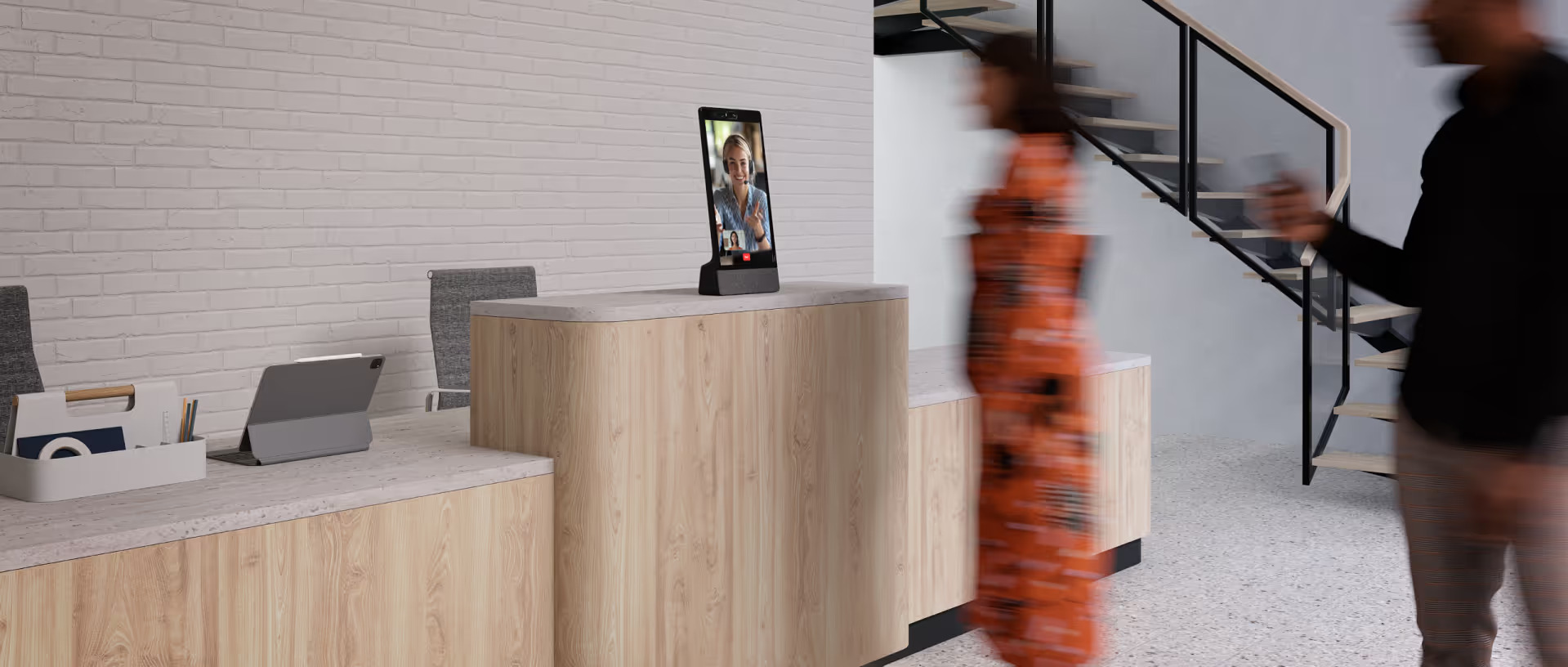
Set Up Your First Station Today
Create your account, choose a device, and have your first station live in minutes. No sales call needed and add stations whenever you're ready.
Do you have questions? Check them below
If you don't find an answer to your question, please, feel free to contact us
Can Virtual Front Desk replace Microsoft Teams Displays Virtual Front Desk?
Virtual Front Desk is an AI reception and visitor management platform with live video built in. It helps organizations welcome visitors, answer questions, manage check-ins, handle front-desk workflows, and connect people to a live receptionist when human support is needed.
Instead of using separate tools for visitor management, AI assistance, and live reception, Virtual Front Desk brings them together in one system. That gives teams a more flexible way to run reception across locations, devices, and staffing models.
Explore all features to see how Virtual Front Desk combines visitor management, communication, and front-desk workflows in one system.
Can Virtual Front Desk replace Microsoft Teams Displays Virtual Front Desk?
Virtual Front Desk combines visitor management with AI reception and live video, so visitors can check in, ask questions, get help, and connect to a real person from the same platform.
Basic visitor management tools often stop at sign-in and notifications. Virtual Front Desk goes further with AI-powered assistance, live video reception, phone and Teams-connected workflows, QR flows, documents, branding, and customizable front-desk actions.
Visit the pricing page to compare plan availability and explore which features are included for your use case.
Can Virtual Front Desk replace Microsoft Teams Displays Virtual Front Desk?
Virtual Front Desk is best for organizations that need a more flexible way to run reception across one or multiple locations.
It is especially relevant for healthcare, government, professional offices, public spaces, coworking, manufacturing, hospitality, retail, and other public-facing environments where front-desk staffing, visitor flow, and service consistency matter.
Explore industry solutions to find the setup and workflow examples most relevant to your organization.
Can Virtual Front Desk replace Microsoft Teams Displays Virtual Front Desk?
Yes. Virtual Front Desk supports on-site, remote, and centralized reception models.
This gives organizations more flexibility in how they staff reception while keeping a consistent visitor experience across locations, devices, and workflows.
Book a demo to see how Virtual Front Desk can support on-site, remote, or centralized reception for your team.
Can Virtual Front Desk replace Microsoft Teams Displays Virtual Front Desk?
Visitors can do more than basic sign-in at a Virtual Front Desk station.
Depending on configuration, they can sign in, start a video or phone call, scan a QR code, view documents, send a message, complete a workflow, or be routed to the right person or service point.
Explore station features to see available visitor actions, sign-in flows, and front-desk workflow options.
Can Virtual Front Desk replace Microsoft Teams Displays Virtual Front Desk?
Yes. Virtual Front Desk supports Microsoft Teams-connected reception workflows.
This allows staff to respond through tools they already use while giving the front desk a more flexible platform for visitor handling, communication, and station-based workflows.
View Microsoft Teams integration features to see how Teams-connected reception workflows fit into your current environment.
Can Virtual Front Desk replace Microsoft Teams Displays Virtual Front Desk?
Yes. Virtual Front Desk is a perfect replacement for Microsoft Teams Displays.
Microsoft Teams Displays Virtual Front Desk is being phased out, which creates a need for a replacement that can support front-desk workflows without depending on Teams Displays hardware. Virtual Front Desk gives organizations a path to keep Microsoft Teams-connected reception workflows while expanding into visitor management, document workflows, branding, and multi-location deployment.
Book a demo to review device options, Teams-connected workflows, and rollout approaches for your locations.